

In the competitive digital landscape, strong Search Engine Optimisation (SEO) is no longer a luxury-it's essential for survival. For small businesses, especially those in areas like Surrey, from Guildford to Epsom, budget constraints can make investing in premium tools seem impossible. Fortunately, a powerful arsenal of the best free SEO tools is available to help you analyse performance, find valuable keywords, and fix technical issues without any financial outlay.
This guide is designed to be your go-to resource, breaking down 12 of the most effective free platforms that can level the playing field. We’ll provide the insights needed to boost your online visibility and drive local traffic. To truly unlock your SEO potential, using tools goes hand-in-hand with implementing effective SEO strategies that drive long-term growth.
This listicle will walk you through each tool with screenshots, direct links, and practical use cases specifically for local businesses. Whether you're a tradesperson in Woking or a retailer in Richmond, you'll learn not just what these tools do, but how to integrate them into a cohesive strategy. We'll turn complex data into measurable results, helping you achieve sustainable growth without spending a penny.
- 1. Google Search Console
- 2. Bing Webmaster Tools
- 3. Google Keyword Planner
- 4. Ahrefs Backlink Checker
- 5. Moz Keyword Explorer
- 6. AnswerThePublic
- 7. Ubersuggest
- 8. Screaming Frog SEO Spider
- 9. Yoast SEO
- 10. Google Trends
- 11. SEMrush Free Tools
- 12. Siteliner
- Top 12 Free SEO Tools Feature Comparison
- From Free Tools to Tangible Growth
1. Google Search Console
Google Search Console (GSC) is an indispensable, non-negotiable tool for any business serious about its online presence. It is the only platform that provides direct, unfiltered data from Google itself, showing you exactly how the world’s largest search engine sees and catalogues your website. This makes it one of the absolute best free SEO tools available, offering unparalleled accuracy and insight.
Unlike other platforms that estimate traffic, GSC shows you the real queries people use to find you, your average ranking position for those terms, and your click-through rates. For a local business in Surrey, this means you can see if you're appearing for crucial terms like "plumber in Guildford" or "café near Woking" and optimise accordingly.
Key Takeaway: GSC is your direct line to Google. It removes the guesswork from understanding your search performance and technical health, providing actionable data straight from the source.
Key Features and Use Cases for Small Businesses
- Performance Report: See which pages and keywords drive the most clicks and impressions. A local retailer can use this to identify their most popular product pages and create more content around those items.
- Index Coverage Report: Find out which pages are successfully indexed by Google and identify any technical errors (like "404 not found" or server issues) that are preventing others from appearing in search results.
- Mobile Usability Report: With most local searches happening on mobile devices, this report is vital. It alerts you to any design issues that make your site difficult to use on a smartphone, helping you avoid frustrating potential customers.
How to Implement and Use Effectively
Getting started is simple: sign up for free and verify ownership of your website, a process Google guides you through. Check your GSC reports at least monthly. Focus on the Performance report to spot keyword opportunities and the Coverage report to quickly fix any indexing problems that could be costing you valuable traffic. For any small business, ensuring your "Mobile Usability" report shows zero errors is a top priority.
Website: https://search.google.com/search-console
2. Bing Webmaster Tools
While Google dominates the search landscape, ignoring Bing means leaving valuable traffic on the table. Bing Webmaster Tools is Microsoft’s answer to GSC, offering a surprisingly robust suite of features to help you understand your website's performance on the UK's second-largest search engine. It provides direct data on clicks, impressions, and even offers a unique keyword research tool, making it another one of the best free SEO tools for gaining a competitive edge.
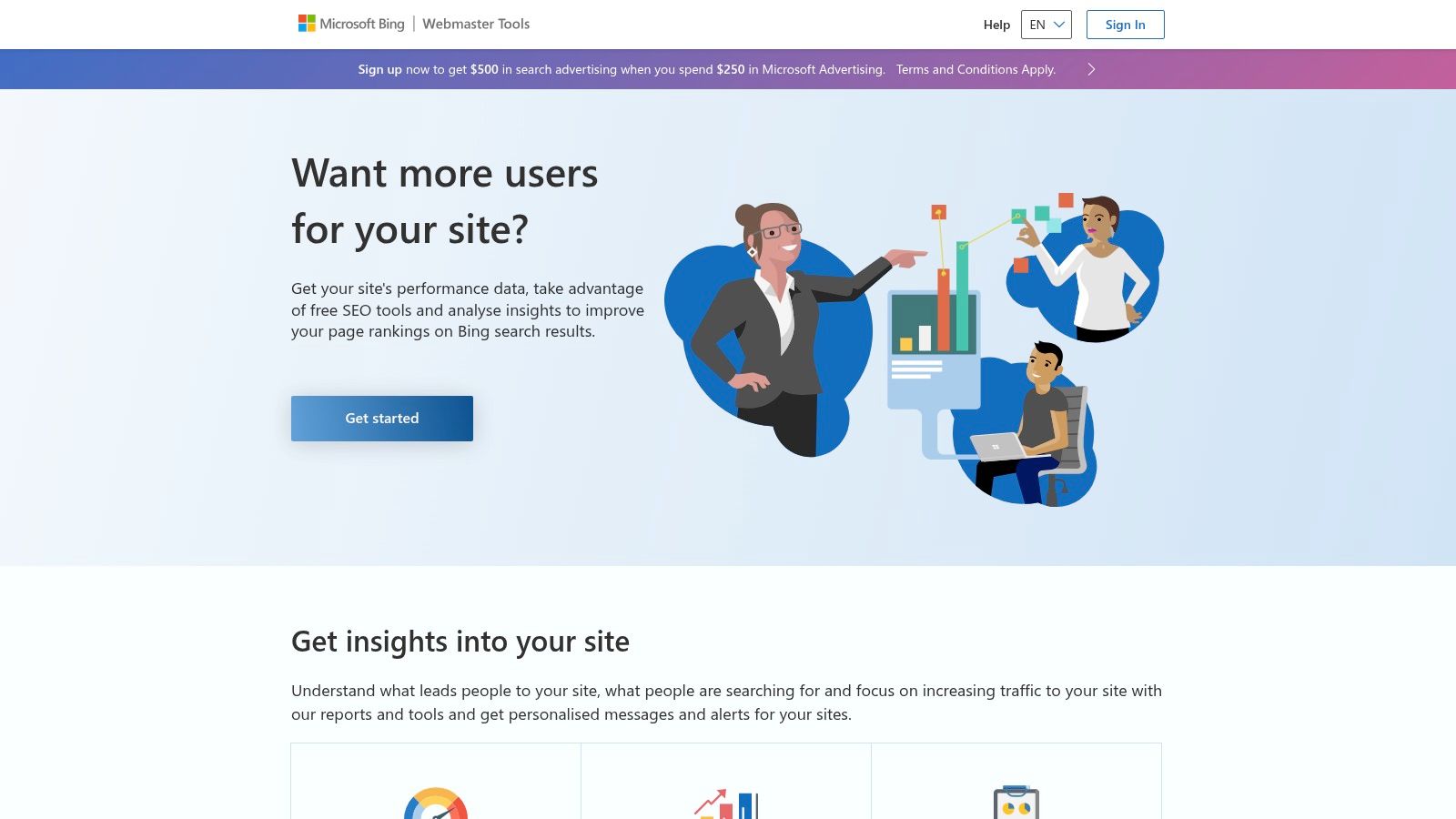
For a local business in the South East, like a specialist boutique in Brighton, appearing on Bing can capture an older, often more affluent demographic that may use Microsoft Edge and Bing as their default browser and search engine. This platform provides the data to make that happen.
Key Takeaway: Bing Webmaster Tools is your portal to a significant, often overlooked, segment of search traffic. Its powerful SEO and keyword tools can uncover opportunities your competitors might be missing.
Key Features and Use Cases for Small Businesses
- SEO Reports: This feature performs an on-demand site audit, flagging technical issues and providing clear recommendations for improvement. A tradesperson in Crawley could use this to quickly identify and fix issues that are holding their site back on Bing.
- Keyword Research Tool: Discover keyword ideas, related keywords, and question keywords with accurate search volumes directly from Bing. This is brilliant for generating blog post ideas that answer real customer questions.
- Backlink Analysis: Compare your backlink profile against your competitors. This allows you to see where they are getting links from, providing a clear roadmap for your own link-building activities.
How to Implement and Use Effectively
Getting started is incredibly easy; you can sign up and import your site directly from Google Search Console in minutes. Check the SEO Reports quarterly to stay on top of any technical fixes. The most valuable feature for a small business is the Keyword Research tool; use it monthly to find new content ideas and to understand what your customers are searching for on Bing.
Website: https://www.bing.com/webmasters
3. Google Keyword Planner
While created for advertisers, Google Keyword Planner is a powerful resource for SEO and remains one of the best free SEO tools for uncovering what your potential customers are searching for. It provides keyword ideas and, crucially, search volume data directly from Google’s own system, giving you a reliable baseline for understanding demand for your services or products.
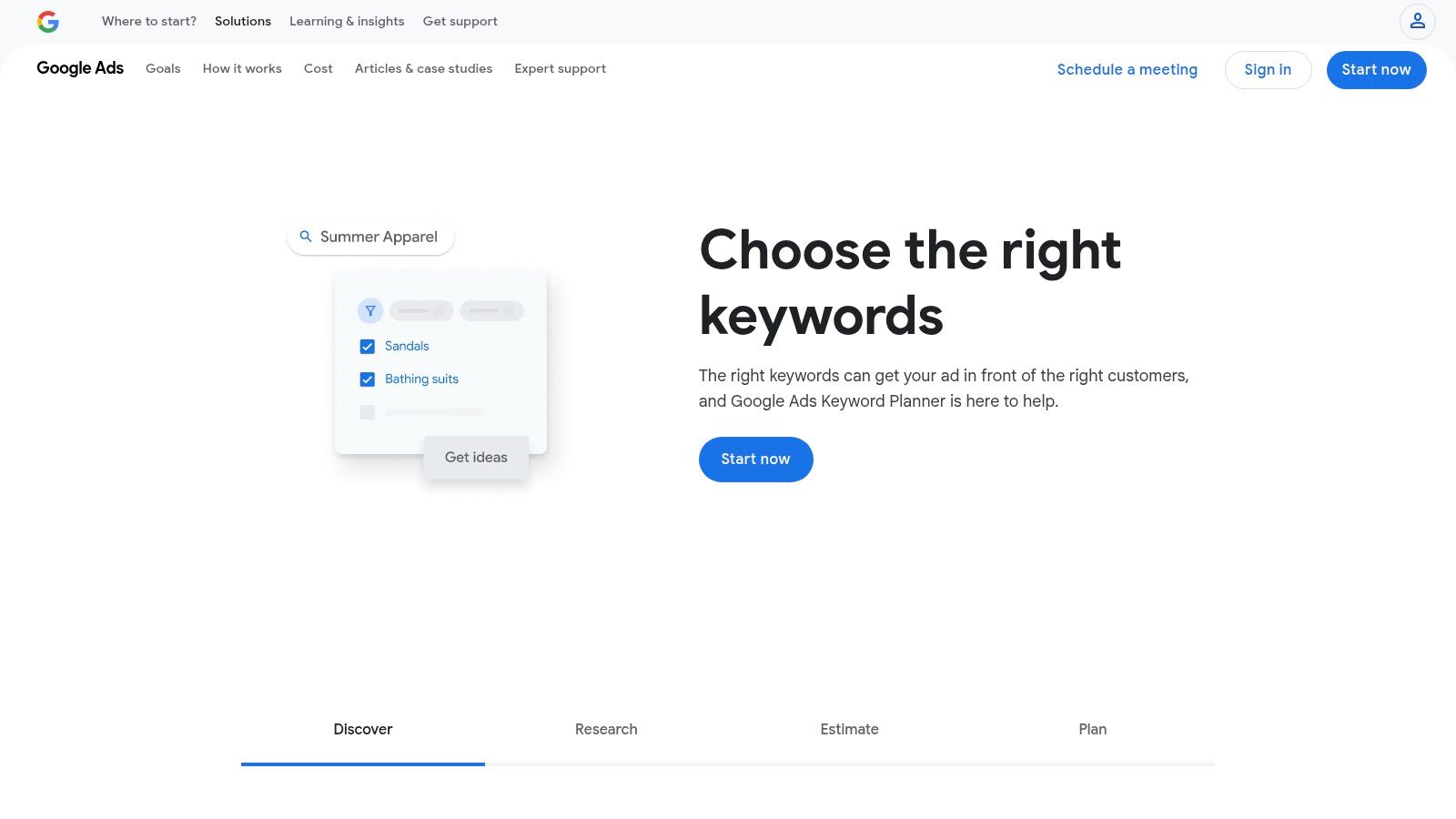
For a local tradesperson in Surrey, this tool can uncover related terms you hadn't considered, such as "emergency boiler repair Guildford" versus "new boiler installation Woking," helping you target your website's content more precisely. While it pushes you towards creating paid ads, its core keyword data is invaluable for organic strategy.
Key Takeaway: Keyword Planner is your window into Google's search data. It helps you validate keyword ideas and discover new opportunities based on real user behaviour, forming the foundation of any content strategy.
Key Features and Use Cases for Small Businesses
- Discover New Keywords: Enter a service like "landscaping services" and your location to get hundreds of related ideas. This can help a local firm in Surrey expand their service pages to capture more niche, long-tail traffic.
- Search Volume and Forecasts: See the estimated monthly searches for specific keywords. While it provides ranges for non-advertising accounts, this still helps you prioritise which terms to target first.
- Competition Levels: The "Competition" metric (Low, Medium, High) is for advertisers but offers a rough proxy for how difficult a keyword might be to rank for organically.
How to Implement and Use Effectively
Accessing the tool requires a Google Ads account, but you don't need to run an active campaign. Simply create an account and pause any campaign setup process to gain access. Use it at the start of any new content project to validate your ideas. For a deep dive into using it effectively, you can learn more about keyword research in SEO. Focus on finding keywords with decent search volume that are highly relevant to your specific services.
Website: https://ads.google.com/home/tools/keyword-planner/
4. Ahrefs Backlink Checker
Understanding who links to your website is fundamental to SEO, as backlinks are a major ranking factor. The Ahrefs Backlink Checker offers a powerful, free glimpse into this crucial data, providing insights that were once reserved for expensive, premium tools. For any small business, this platform is one of the best free SEO tools for competitor analysis and refining your link-building efforts.
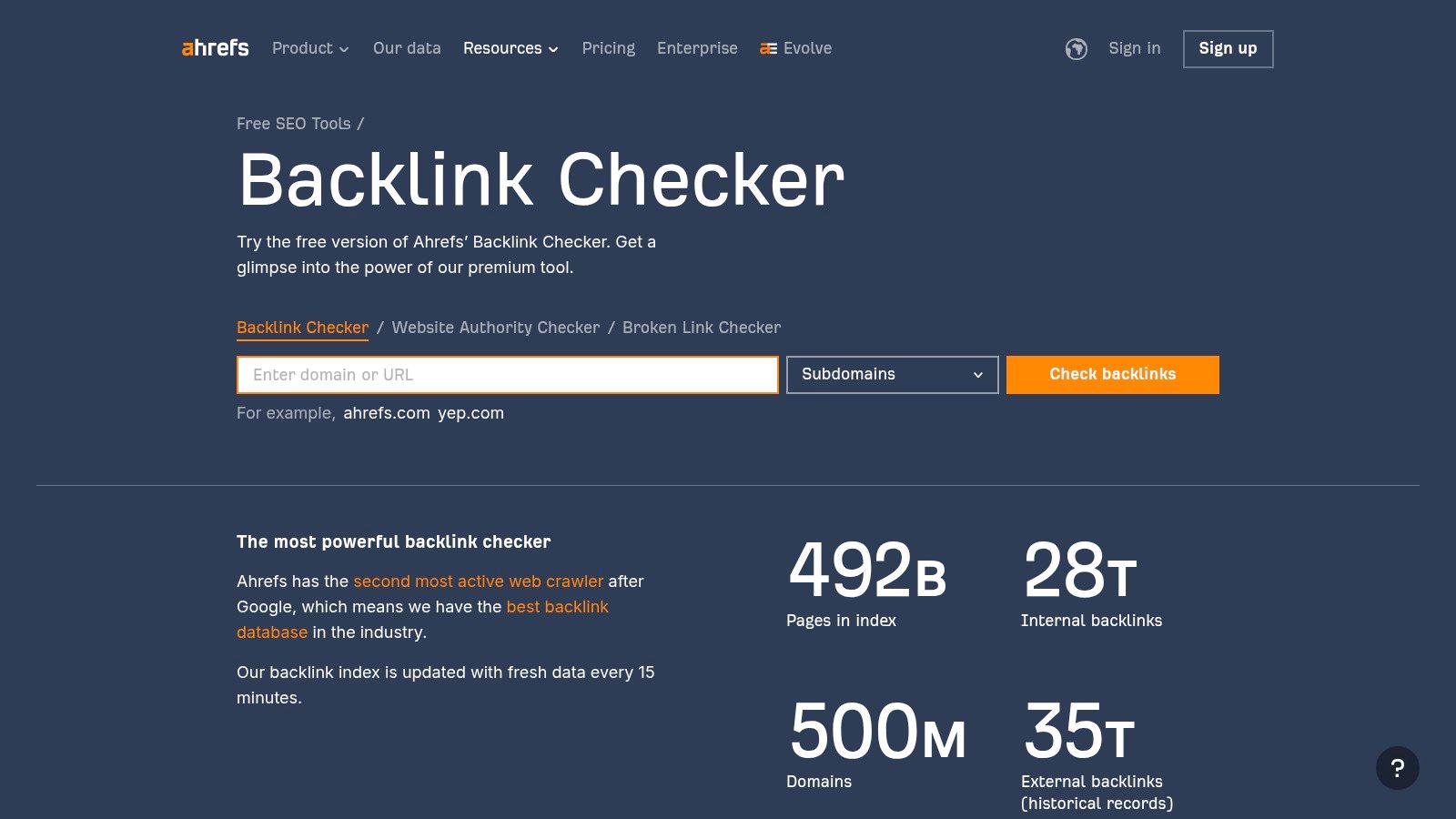
It allows you to see the top 100 backlinks pointing to any website, including your own or your competitors'. A wedding venue in the Surrey Hills, for instance, could analyse a rival's backlinks to find local wedding blogs or directories that have linked to them, revealing new opportunities for their own outreach. While tools like this are excellent for analysing your link profile, understanding effective strategies for naturally building high-quality backlinks is crucial for long-term SEO success.
Key Takeaway: Ahrefs provides a high-quality, free snapshot of any website's backlink profile, making it an essential tool for competitive research and identifying link-building opportunities without a paid subscription.
Key Features and Use Cases for Small Businesses
- Top 100 Backlinks: See the most powerful links pointing to any domain. A local tradesperson can use this to see if they’ve been mentioned by local news sites or community forums and leverage that for more publicity.
- Domain Rating (DR) and URL Rating (UR): These metrics estimate the authority of a website and specific pages. This helps you prioritise getting links from high-authority, relevant sites over low-quality ones.
- Referring Domains Count: See the total number of unique websites linking to a domain. This gives a quick overview of the diversity and scale of a competitor’s link-building success.
How to Implement and Use Effectively
Using the tool is incredibly straightforward: just visit the website and enter a domain name. No registration is required. For a local business in Guildford, a great starting point is to enter the URLs of the top three competitors that appear in Google for your main service. Review their top 100 backlinks to identify patterns. Are they getting links from local business associations, event sponsorships, or guest posts on industry blogs? Use this intelligence to inform your own outreach strategy.
Website: https://ahrefs.com/backlink-checker
5. Moz Keyword Explorer
Moz Keyword Explorer is a highly respected tool for uncovering and prioritising keywords. While many advanced features are part of its paid Pro suite, its free access provides enough power to be incredibly useful for a small business looking to make smarter content decisions. It excels at taking a seed keyword and providing relevant, actionable alternatives.

Unlike simpler tools that just give you search volume, Moz adds context with its "Difficulty" and "Priority" scores. This helps a local business, for instance a Farnham-based architect, decide whether to target a highly competitive term like "architects Surrey" or a lower-difficulty, high-intent alternative like "house extension plans Farnham". This makes it one of the best free SEO tools for strategic planning.
Key Takeaway: Moz Keyword Explorer helps you move beyond basic keyword ideas by adding layers of data like difficulty and potential, guiding you towards terms you actually have a chance to rank for.
Key Features and Use Cases for Small Businesses
- Keyword Suggestions: Enter a topic or keyword to receive a list of related terms. A local personal trainer could use this to find long-tail keywords like "outdoor fitness classes in Guildford" or "personal training for seniors in Woking".
- SERP Analysis: See a snapshot of the current page-one results for any keyword. This allows you to analyse your competitors' content and identify what kind of articles or pages Google is rewarding for that search.
- Difficulty and Priority Scores: These metrics help you find the sweet spot. The Difficulty score estimates how hard it is to rank, while the Priority score blends volume, difficulty, and click-through rate to highlight the best opportunities.
How to Implement and Use Effectively
Sign up for a free Moz community account to get your monthly quota of free searches. Use it during the content planning phase. Before writing a new blog post or creating a service page, run your primary keyword ideas through the explorer. Focus on keywords with a lower difficulty score and a higher priority score to maximise your chances of gaining traction. The free version is limited, so use your ten monthly queries wisely by focusing on your most important services or products.
Website: https://moz.com/explorer
6. AnswerThePublic
AnswerThePublic is a unique keyword research tool that visualises the questions people are asking around your core topics. Instead of just listing keywords, it taps into Google's autocomplete data to create beautiful, insightful diagrams of user queries, organised by questions (what, where, why), prepositions (for, with, to), and comparisons (vs, and, or). This makes it one of the best free SEO tools for brainstorming content that directly answers your audience's needs.
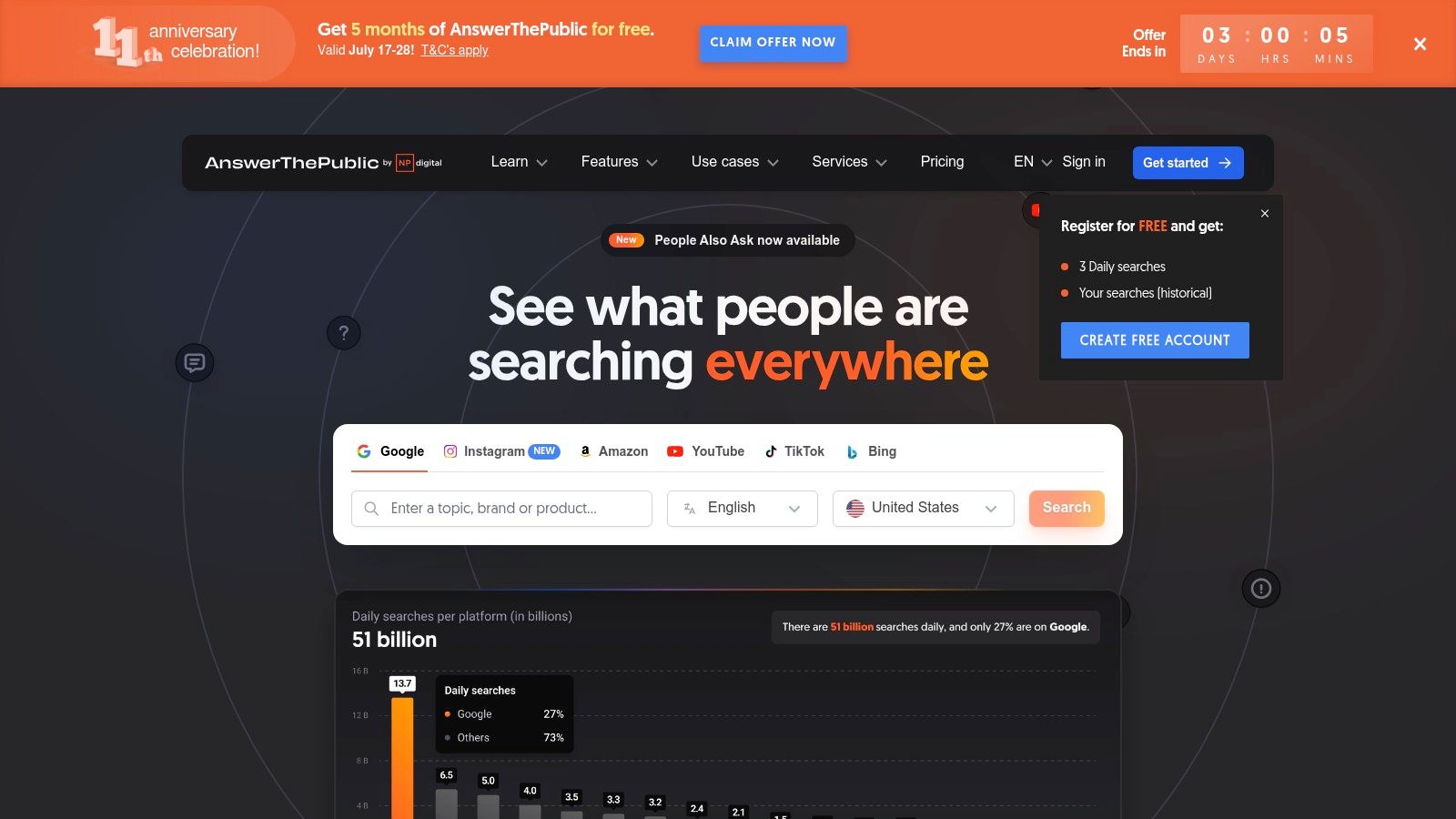
For a local Guildford-based marketing agency, typing in "local SEO" reveals dozens of real questions like "how does local SEO work?" or "local SEO for small business." This instantly provides a ready-made list of blog posts, FAQ pages, and social media content ideas that will resonate with potential clients.
Key Takeaway: AnswerThePublic helps you get inside your customer's head. It transforms keyword research from a guessing game into a clear map of user intent, giving you endless content ideas.
Key Features and Use Cases for Small Businesses
- Question Visualisation: See hundreds of questions related to your service. A Woking-based personal trainer could discover that potential clients are asking "what exercises are best for back pain," guiding their next blog post.
- Preposition & Comparison Searches: Uncover longer, more specific search phrases. A Surrey café could find users searching for "café near me with parking" or comparing "flat white vs latte," inspiring new website content or promotions.
- Data Export: The free version allows you to export your findings as a list or image, making it easy to build a content calendar or share ideas with your team.
How to Implement and Use Effectively
Using the tool is straightforward: visit the website and enter a keyword. Be aware that the free plan limits you to a few searches per day, so make them count. Start with a broad topic (e.g., "WordPress websites") and then explore the most relevant branches of the visualisation for more specific ideas. Use the generated questions as titles and headings for your blog posts and service pages to perfectly match what your local audience is searching for.
Website: https://answerthepublic.com/
7. Ubersuggest
Ubersuggest, developed by marketing expert Neil Patel, is a user-friendly, all-in-one SEO platform designed to simplify keyword research and competitor analysis. It offers a broad suite of features in its free tier, making it an excellent starting point for a small business looking to understand its digital landscape without a significant investment. For a local B&B in the Surrey Hills, it can quickly reveal what keywords competitors are ranking for, providing immediate inspiration for blog posts and service pages.
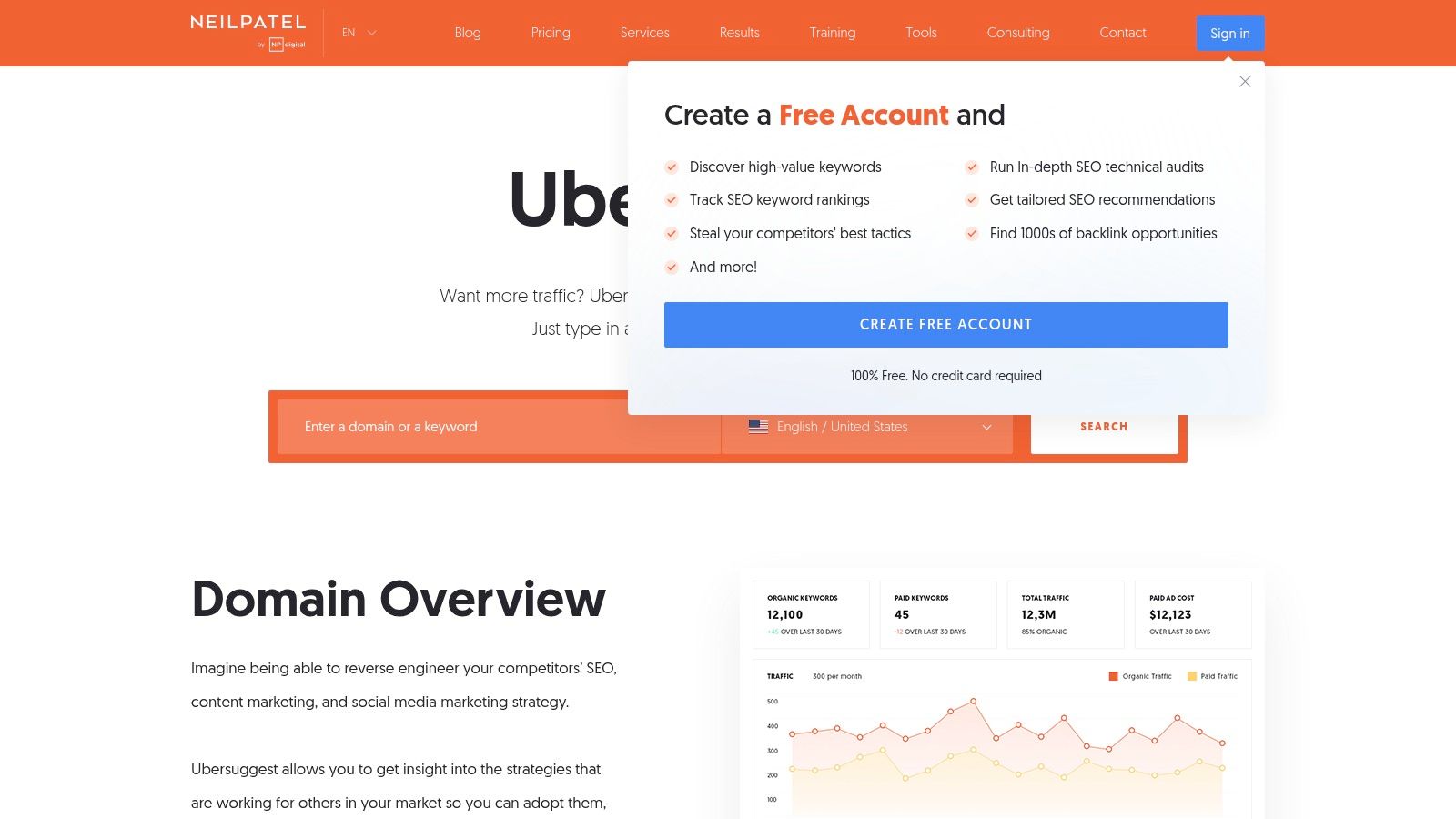
It consolidates data that would otherwise require several tools, presenting keyword ideas, content suggestions, and backlink data in one clean interface. This accessibility makes it one of the best free SEO tools for business owners who are time-poor and need actionable data without a steep learning curve.
Key Takeaway: Ubersuggest is a superb entry-level tool that demystifies SEO by combining keyword, competitor, and content analysis into a single, intuitive platform.
Key Features and Use Cases for Small Businesses
- Keyword Suggestions: Enter a service like "landscaping in Farnham" and get hundreds of related ideas, complete with search volume and competition scores, to guide your content strategy.
- Top Pages Analysis: See which of your competitors' pages get the most traffic. This allows a local café to analyse a rival's popular blog post about "best coffee in Dorking" and create a better, more comprehensive version.
- Backlink Data: Find out who is linking to your competitors. A local tradesperson can use this to identify potential local directories or blogs to get listed on, boosting their own authority.
How to Implement and Use Effectively
Simply visit the website and enter a domain or keyword to begin. The free version allows a limited number of searches per day, so be strategic. Focus your daily allowance on analysing your top three local competitors or researching a core service you offer. Use the "Keyword Ideas" and "Content Ideas" reports to plan your next month of blog content or website updates. While the free version is powerful, the daily limit is its main constraint.
Website: https://neilpatel.com/ubersuggest/
8. Screaming Frog SEO Spider
Screaming Frog SEO Spider is a powerful desktop-based website crawler, essential for any in-depth technical SEO audit. It meticulously scans your website, acting like a search engine bot to gather data and highlight issues that could hinder your performance. For a local B2B service in Sussex, it can quickly identify critical problems like broken internal links or missing page titles, which are often overlooked but can significantly impact your search rankings.
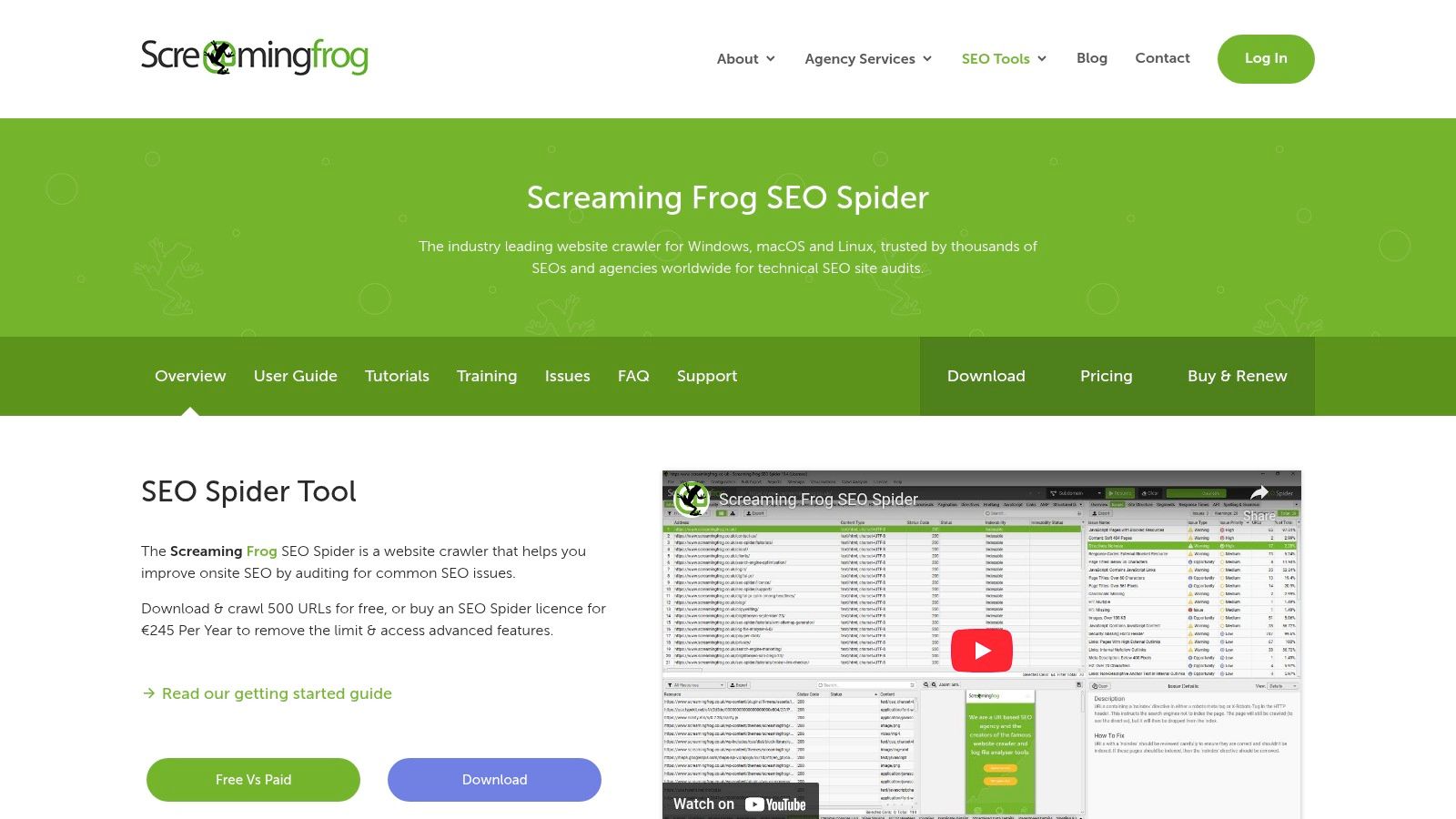
While many tools offer cloud-based crawling, Screaming Frog’s strength lies in its speed and the sheer depth of data it provides directly on your computer. This makes it one of the best free SEO tools for uncovering the granular technical details that form the foundation of a healthy, well-optimised website. The free version is incredibly generous, allowing you to get started without any cost.
Key Takeaway: Screaming Frog is the go-to tool for deep technical site audits. It finds the errors that other platforms might miss, giving you a complete blueprint for fixing your website's structural and on-page SEO.
Key Features and Use Cases for Small Businesses
- Find Broken Links (404s): Quickly discover and export a list of all broken links on your site. A local tradesperson can use this to fix links to old service pages, preventing potential customers from hitting a dead end and improving user experience.
- Analyse Page Titles & Meta Data: See which pages are missing, have duplicate, or have overly long titles and meta descriptions. This is crucial for optimising how your business appears in search results.
- Generate XML Sitemaps: Create a clean, error-free XML sitemap to submit to Google Search Console, ensuring Google can find and index all your important pages efficiently. For a full breakdown, explore our technical SEO audit checklist.
How to Implement and Use Effectively
Download and install the free application from the Screaming Frog website. To start, simply enter your website’s homepage URL and click 'Start'. The free version allows you to crawl up to 500 URLs, which is often sufficient for small business websites. Focus on the "Response Codes" tab to find broken links and the "Page Titles" and "Meta Description" tabs to spot optimisation opportunities. Run a crawl quarterly to stay on top of any new technical issues.
Website: https://www.screamingfrog.co.uk/seo-spider/
9. Yoast SEO
For any small business running a WordPress website, the Yoast SEO plugin is an absolute game-changer. It simplifies the often-complex world of on-page search engine optimisation, integrating directly into your website’s backend. This makes it one of the best free SEO tools because it brings essential optimisation tasks right to your fingertips, eliminating the need to switch between different platforms.
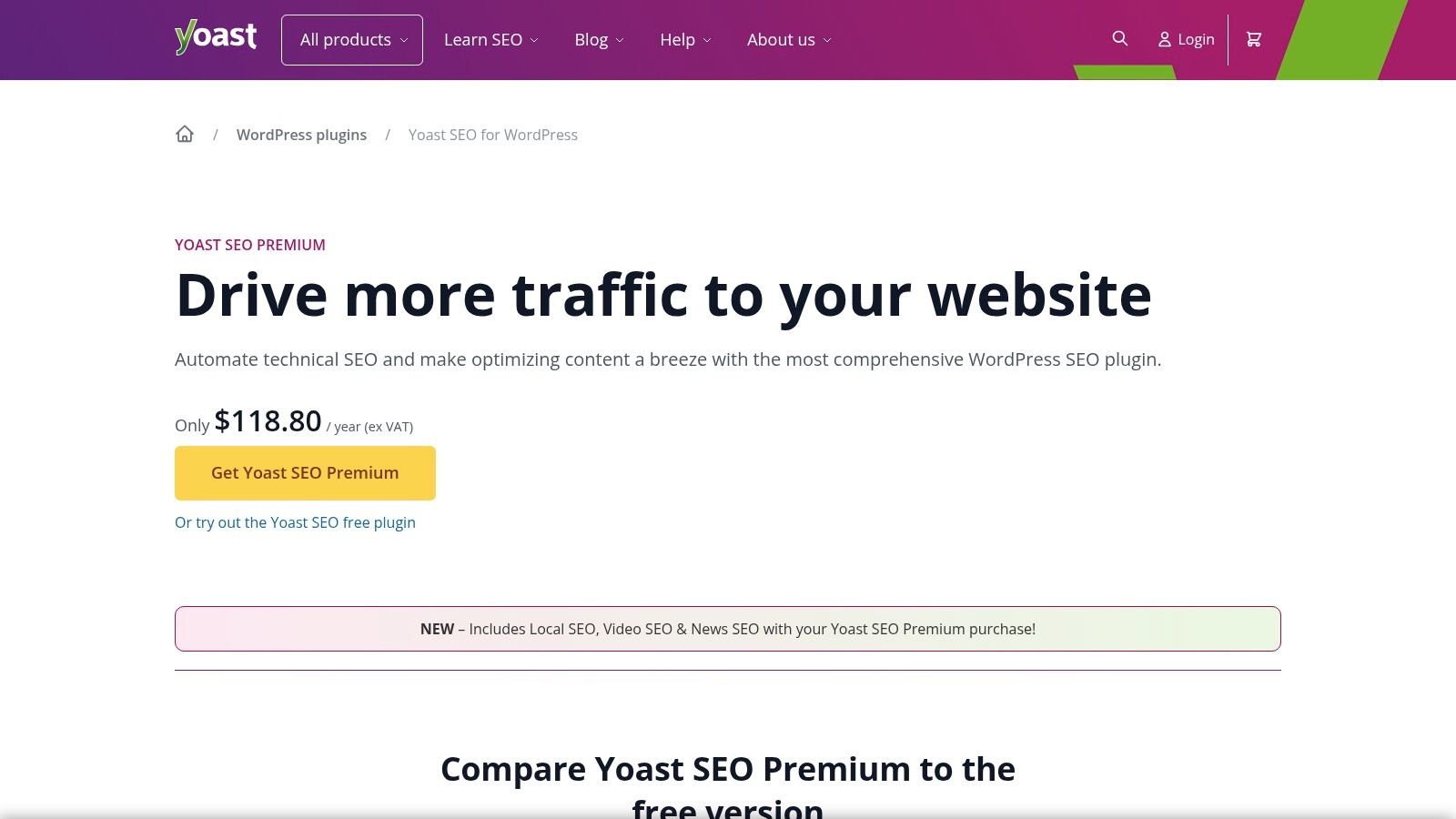
Its iconic traffic light system provides instant, easy-to-understand feedback on how well your page is optimised for your chosen keyword. For a local B&B in the Surrey Hills, this means you can get real-time advice on improving a blog post about "best walking routes near Dorking" before you even hit publish, ensuring it has the best possible chance of ranking. To get a deeper understanding of on-page factors, you can explore our guide on how to improve website SEO.
Key Takeaway: Yoast SEO democratises on-page optimisation for WordPress users. It provides actionable, step-by-step guidance within your page editor, making technical SEO accessible to everyone.
Key Features and Use Cases for Small Businesses
- On-Page SEO Analysis: Get instant feedback on your keyword usage, meta description length, and internal linking. A local tradesperson can use this to ensure their service pages are perfectly optimised for terms like "emergency electrician in Guildford".
- XML Sitemap Generation: Yoast automatically creates and updates an XML sitemap for your site, which is crucial for helping search engines like Google find and index all your important pages efficiently.
- Readability Checks: The tool analyses your text for sentence length, use of passive voice, and paragraph structure, helping you write content that is not only good for SEO but also easy for your customers to read and understand.
How to Implement and Use Effectively
Installation is straightforward via the WordPress plugin directory. Once activated, a Yoast SEO meta box will appear below the editor on every page and post. Your main task is to choose a "focus keyphrase" for each page and then follow the traffic light recommendations to turn the light from red or orange to green. Pay close attention to both the SEO and Readability tabs for a well-rounded approach.
Website: https://yoast.com/wordpress/plugins/seo/
10. Google Trends
Google Trends is a powerful tool for understanding the pulse of the public. It analyses the popularity of search queries in Google Search across various regions and languages, allowing you to see what topics are capturing people’s interest and how that interest changes over time. While it doesn't provide absolute search volume, its relative popularity data is invaluable for keyword research and content strategy, making it one of the best free SEO tools for spotting opportunities.
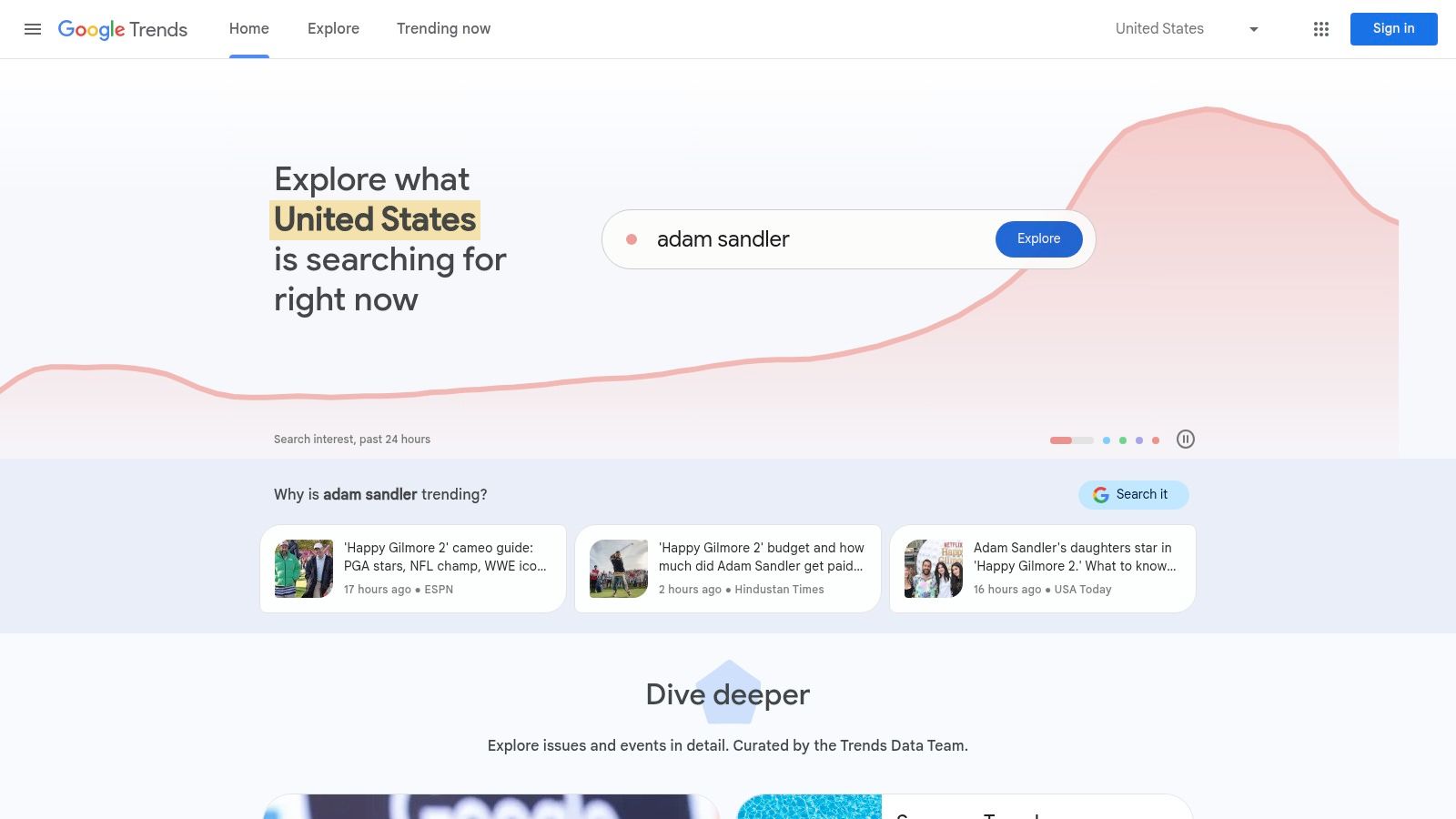
For a small business, this means you can discover seasonal demand for your services. A Farnham-based garden centre, for example, can use it to see when local interest in "patio furniture" or "spring bulbs" starts to peak, helping them time their marketing campaigns and blog posts perfectly.
Key Takeaway: Google Trends helps you understand search behaviour and seasonality. It’s perfect for discovering trending topics and validating keyword ideas before you invest time and resources.
Key Features and Use Cases for Small Businesses
- Search Interest Over Time: See if a search term's popularity is growing, declining, or seasonal. A local events company in Surrey could use this to find rising interest in "outdoor wedding venues" versus "marquee hire".
- Regional Interest Data: Pinpoint where search interest is strongest. This is crucial for local businesses wanting to understand demand in specific towns like Guildford, Woking, or Dorking.
- Related Queries: Discover "rising" and "top" related search terms. This can uncover new keyword ideas and content topics you might not have considered, directly from user behaviour.
How to Implement and Use Effectively
Google Trends requires no setup; simply visit the website. Start by entering a core service or product you offer. Use the filters to narrow the data down to the UK, or even a specific county, over the last 12 months to identify clear seasonal patterns. Compare terms (e.g., "boiler repair" vs. "new boiler installation") to understand customer intent and prioritise your content efforts accordingly. It is completely free with no usage limits.
Website: https://trends.google.com/trends/
11. SEMrush Free Tools
SEMrush offers a powerful suite of SEO tools, and its free tier provides a surprisingly robust entry point into holistic SEO management. While known for its comprehensive paid plans, the free version gives small businesses a taste of enterprise-level data, covering keyword research, technical audits, and competitor analysis. This makes it one of the best free SEO tools for those wanting an all-in-one platform without an initial financial commitment.
For a local tradesperson in Surrey, like a landscaper, the free tools can uncover what competitors in nearby towns like Guildford or Farnham are ranking for. This insight allows them to strategically target similar keywords on their own website and service pages, directly challenging their local competition.
Key Takeaway: SEMrush's free offering is a powerful glimpse into a premium toolset. It consolidates competitor analysis, keyword research, and site health into a single, user-friendly dashboard, perfect for strategic planning.
Key Features and Use Cases for Small Businesses
- Keyword Magic Tool (Limited): Discover new keyword ideas. A boutique in Chichester could use this to find long-tail keywords like "handmade silver jewellery in West Sussex" to attract a highly specific audience.
- Site Audit (Limited to 100 pages): Crawls your website to find technical SEO issues like broken links or missing meta descriptions, helping you maintain a healthy site that search engines can easily understand.
- Domain Overview: Get a quick snapshot of a competitor's online performance, including their top organic keywords and backlink profile, offering valuable intelligence for your own strategy.
How to Implement and Use Effectively
Sign up for a free account to get started. The daily search and report limits are the main constraint, so use your queries wisely. Prioritise running a Site Audit on your most important pages first, like your homepage and key service pages. Use the Domain Overview to analyse your closest local competitor once a month to keep track of their strategy. While limited, these free insights are invaluable for making informed decisions.
Website: https://www.semrush.com/features/
12. Siteliner
Siteliner is a highly specialised tool focused on your website's internal health, specifically targeting issues that can harm your SEO rankings like duplicate content and broken links. It crawls your site to provide a clear, concise report on where you are duplicating content across pages, which can confuse search engines and dilute your ranking potential. This makes it one of the best free SEO tools for conducting a quick internal site audit.
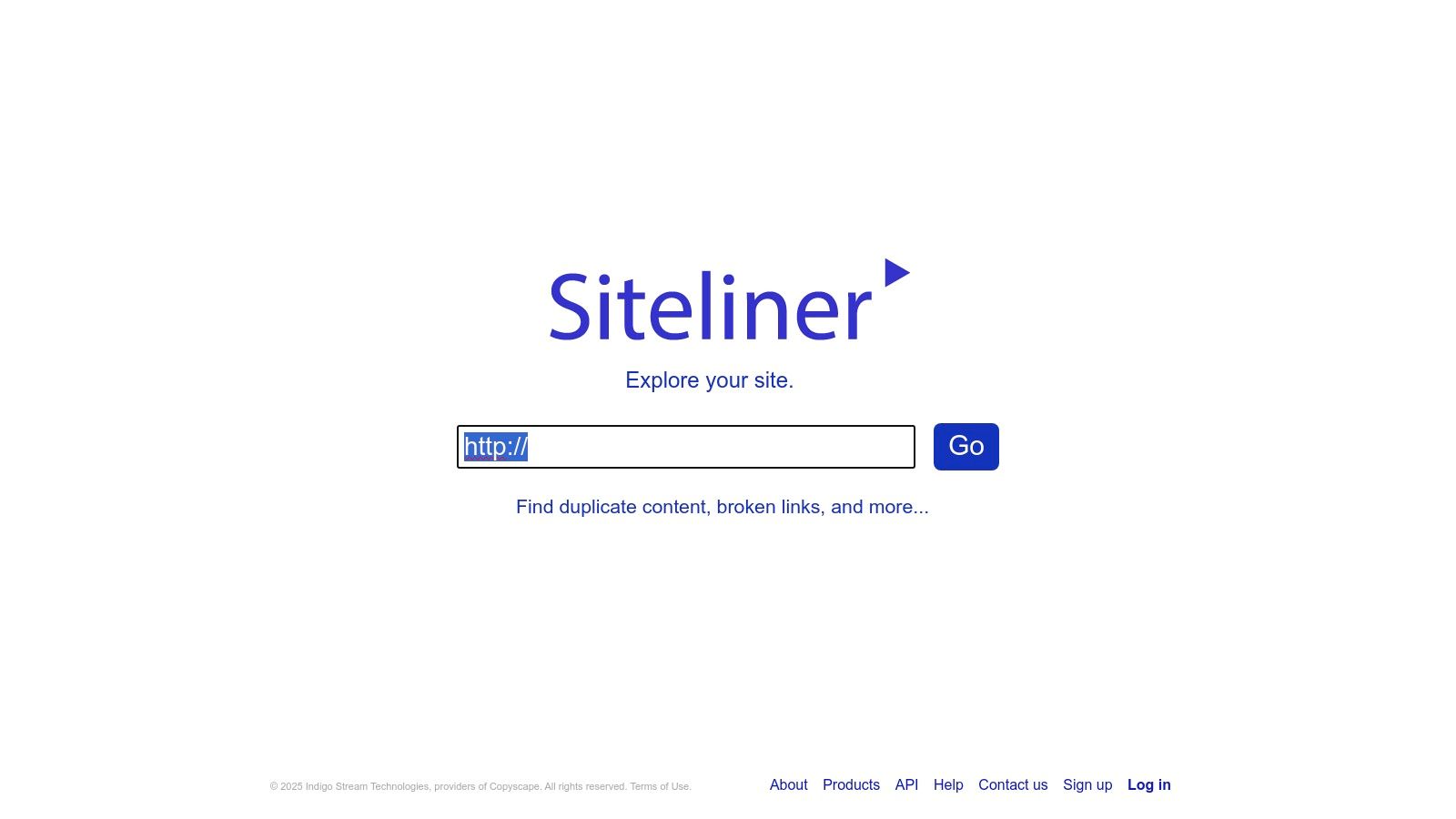
For a local tradesperson in Surrey, this is crucial. You might have similar service descriptions for "emergency plumber in Guildford" and "emergency plumber in Woking." Siteliner helps you spot this overlap, allowing you to rewrite and differentiate the pages to better target each specific locality without competing against yourself.
Key Takeaway: Siteliner is your go-to tool for a fast and free internal site audit. It excels at identifying duplicate content and broken links, helping you clean up technical issues that hold your site back.
Key Features and Use Cases for Small Businesses
- Duplicate Content Finder: Scans your entire site and highlights pages with identical or very similar content, providing a percentage match. This is perfect for e-commerce sites to ensure product descriptions are unique.
- Broken Link Detection: Quickly finds all internal and external links that no longer work. A local café can use this to fix links to outdated menus or booking platforms, preventing customer frustration.
- Page Power Analysis: Shows you which pages are most prominent to search engine crawlers based on your internal linking structure, helping you ensure your most important service pages are getting the most "link juice."
How to Implement and Use Effectively
Using Siteliner couldn't be simpler: just enter your website URL on their homepage and hit "Go." There is no need to register for the free scan. The free version allows you to scan up to 250 pages once per month. For a small business, this is usually sufficient for a regular health check. Focus on the "Duplicate Content" report first, aiming to get your percentage as low as possible by rewriting or removing redundant pages. Next, work through the "Broken Links" list to improve user experience and SEO.
Website: https://www.siteliner.com/
Top 12 Free SEO Tools Feature Comparison
| Tool Name | Core Features | User Experience / Quality | Value Proposition | Target Audience | Price Point |
|---|---|---|---|---|---|
| Google Search Console | Performance, Index Coverage, Mobile Usability | Accurate data from Google | Free, comprehensive Google insights | Website owners, SEOs | Free |
| Bing Webmaster Tools | Performance reports, SEO recommendations | Unique Bing tools, simpler UI | Free insights into Bing search | Website owners, SEOs | Free |
| Google Keyword Planner | Keyword volume, competition, bid estimates | Google data, requires Ads account | Keyword discovery for SEO & ads | Marketers, advertisers | Free (with Google Ads acct) |
| Ahrefs Backlink Checker | Top 100 backlinks, domain/URL ratings | User-friendly interface | Free backlink insights | SEO professionals | Free (limited) |
| Moz Keyword Explorer | Keyword suggestions, difficulty, priority | Easy to use, limited free searches | Comprehensive keyword data | SEO specialists | Free tier, subscription |
| AnswerThePublic | Question queries, visual search cloud | Visual data, content idea focus | Understands user intent | Content creators, SEOs | Free tier, subscription |
| Ubersuggest | Keyword suggestions, domain & backlink data | All-in-one SEO platform | Broad SEO data in one tool | Small businesses, SEOs | Free tier, subscription |
| Screaming Frog SEO Spider | Broken links, metadata analysis, sitemaps | Desktop app, technical SEO focused | Detailed site audits | SEO experts, developers | Free (limit 500 URLs) |
| Yoast SEO | On-page SEO, sitemaps, readability checks | WordPress integration | Easy SEO for WordPress sites | WordPress users | Free / Premium upgrade |
| Google Trends | Search trends, term comparisons, regional data | User-friendly, trend focus | Identifies trending topics | Marketers, content planners | Free |
| SEMrush Free Tools | Keyword research, site audit, competitor data | Comprehensive suite, limited free | All-in-one SEO management | SEOs, marketers | Free tier, paid plans |
| Siteliner | Duplicate content, broken links, page power | Detailed reports, once monthly scan | Improves site SEO quality | Website owners, SEOs | Free (limited scan) |
From Free Tools to Tangible Growth
Navigating the complex landscape of search engine optimisation can often feel overwhelming, especially for a small business owner in Surrey or the South East trying to manage everything. However, as we’ve demonstrated, you don't need a hefty marketing budget to make a significant impact. The 12 best free SEO tools detailed in this guide offer a powerful, cost-effective starting point for understanding and improving your digital footprint. From the essential technical insights of Google Search Console and Screaming Frog to the creative content inspiration drawn from AnswerThePublic, these resources provide the data you need to compete online.
The real challenge, and where the growth truly happens, lies in translating this data into a cohesive strategy. It's not enough to simply run a crawl or find a keyword; you must act on the information. The power of these tools is only realised when you use them to fix broken links, create content that answers your customers' questions, and ensure your website is technically sound and user-friendly. For a local service provider or retailer, this means using these tools to identify what your local audience is searching for and then optimising your website and Google Business Profile to meet that demand directly.
Your Action Plan: Choosing and Implementing Your SEO Toolkit
To move forward effectively, avoid trying to master all twelve tools at once. Instead, identify your most pressing need and select one or two tools that address it directly.
- If you have no visibility into your site’s performance: Start with Google Search Console and Bing Webmaster Tools. These are non-negotiable foundations for understanding how search engines see your website.
- If you need to create content but don't know what to write: Begin with AnswerThePublic and Google Keyword Planner. They will provide a wealth of ideas based on real user queries.
- If you suspect your website has technical issues: Use Screaming Frog SEO Spider and Siteliner to perform a health check and uncover critical errors that could be holding you back.
By focusing your efforts, you can make measurable progress without becoming overwhelmed. Remember that consistency is key. Set aside time each month to use your chosen tools, analyse the data, and implement changes. As you graduate from solely using free SEO tools and aim for more comprehensive digital growth, you might also consider how broader marketing AI tools can further streamline your efforts and expand your capabilities.
Frequently Asked Questions (FAQs)
Here are answers to some common questions small businesses have about using free SEO tools.
1. Can I really rank on Google using only free tools?
Yes, absolutely. Ranking on Google is primarily about the quality of your content, the technical health of your website, and your site's authority. Free tools like Google Search Console, Yoast SEO, and Ahrefs' Backlink Checker provide all the essential data you need to improve these areas and achieve high rankings, especially for local search terms.
2. How often should I use these SEO tools?
For a small business, a good routine is to conduct a major check-up once a month. This includes reviewing Google Search Console for errors, running a Screaming Frog crawl for technical issues, and checking keyword positions. Tools like Google Trends or AnswerThePublic can be used whenever you are planning new content.
3. I’m not very technical. Which tool is the easiest to start with?
For absolute beginners, Yoast SEO (if you use WordPress) is an excellent starting point. It provides simple, colour-coded feedback directly within your page editor. Outside of WordPress, Google Search Console is designed to be user-friendly, and its reports are crucial for every website owner to understand.
4. When should I consider upgrading to a paid SEO tool?
You should consider upgrading when your needs outgrow the limitations of the free versions. This typically happens when you need to track a larger number of keywords, analyse competitors in greater depth, conduct more extensive backlink audits, or require more frequent and automated site crawls.
5. Do these tools help with local SEO for my business in Surrey?
Yes, many of these tools are invaluable for local SEO. You can use Google Keyword Planner to find location-specific keywords (e.g., "plumbers in Guildford"), and Google Search Console will show you what local queries are already bringing people to your site. This data helps you optimise your content for the customers right on your doorstep.
Feeling empowered but short on time to implement these strategies? The team at GFC Tech specialises in helping local businesses in Surrey and the South East translate SEO data into tangible growth. We use these very tools to build and manage high-performing WordPress websites and deliver SEO campaigns that generate local leads, so you can focus on running your business. Contact GFC Tech today for a no-obligation chat about your digital goals.
Adam is a Founder of GFC Tech, a company dealing in SEO and website design and development services. Adam has been an SEO expert for the past 8 years and has been working with different companies in this field. He is an SEO consultant and a marketing strategist and works closely with his clients to ensure that his marketing plans and strategies provide them with the marketing advantages they need to grow their business. Adam’s main role is an SEO consultant, but he is also involved in all technical aspects. Adam also develops WordPress websites, designs them professionally and performs SEO for them so they can rank on the first page of google.


