

Protecting your WordPress website is non-negotiable. A server crash, a botched update, or a security breach can wipe out years of hard work in an instant. For small businesses in Surrey and across the South East, this digital asset is often the primary source of local leads and customer engagement. Without a reliable backup strategy, you risk significant downtime, lost revenue, and damage to your reputation. Manually backing up a site is time-consuming and prone to human error, making a dedicated plugin an essential tool for any serious business owner.
This guide is designed to help you find the best backup plugins for WordPress to secure your digital presence. We’ve moved beyond generic feature lists to provide a detailed, practical analysis of the top solutions available. Each review includes an honest assessment of its strengths and limitations, ideal use-case scenarios for businesses like yours, and clear pricing information. We’ll look at everything from simple, one-click restore options perfect for sole traders to more advanced, incremental backup systems suited for growing e-commerce sites. You’ll find direct links and screenshots for each tool, helping you make an informed decision quickly and confidently, so you can get back to running your business.
- 1. GFC Tech WordPress Maintenance Services
- 2. UpdraftPlus
- 3. Jetpack VaultPress Backup by Automattic
- 4. BlogVault
- 5. Duplicator Pro (Snap Creek / Duplicator)
- 6. BackWPup (Pro)
- 7. WPvivid Backup & Migration (Pro)
- 8. All-in-One WP Migration (Pro + Add-ons) by ServMask
- 9. ManageWP (Backup add-on)
- 10. Solid Backups (formerly BackupBuddy) by SolidWP
- 11. WordPress.org Plugin Directory – Backup category
- 12. Tech Marketplaces for Premium Backup Plugins (Envato ecosystem)
- Top 12 WordPress Backup Plugins Comparison
- Making the Final Decision: Choosing Your WordPress Backup Safeguard
1. GFC Tech WordPress Maintenance Services
While not a plugin itself, opting for a comprehensive managed service like GFC Tech’s WordPress Maintenance is a standout strategy for businesses that prioritise reliability and peace of mind over DIY solutions. This approach transcends the typical plugin by offering a fully managed, hands-on service that bundles backups with essential security, updates, and performance optimisations. It’s an ideal choice for small business owners in Surrey and the South East who need their digital assets protected but lack the time or technical expertise to manage the process themselves.
What truly sets this service apart is its boutique, client-centric model. Led by an expert with over 20 years in IT, GFC Tech delivers a personalised plan covering every critical aspect of site health. Instead of just installing one of the best backup plugins for WordPress and hoping for the best, you gain a dedicated partner who actively manages and verifies your backups, ensuring your site can be restored swiftly and correctly when needed. This is a complete “done-for-you” solution, freeing you to focus on your core business operations.
Key Strengths and Use Cases
- Holistic Management: This service combines automated backups with manual checks, security audits, plugin/theme updates, and CMS optimisations, creating a robust shield against data loss and cyber threats.
- Expert Oversight: You benefit directly from deep technical expertise. The service handles not just the backup but the entire restoration process, a critical step often overlooked in DIY setups.
- Local Specialisation: With a deep understanding of the Surrey business landscape, GFC Tech’s service is tailored to the needs of local enterprises, offering more than just technical support.
- Proactive Problem-Solving: The team identifies potential issues before they become critical problems, ensuring long-term site stability and performance.
Pros and Cons
| Pros | Cons |
|---|---|
| Personalised, hands-on service from an expert local team. | Limited scalability; may not suit very large, high-volume websites. |
| Comprehensive care covers backups, security, updates, and optimisations. | Pricing is geared towards established small businesses, not ideal for startups on a tight budget. |
| Deep understanding of the Surrey market provides added local value. | Primarily serves a specific geographical area (Surrey and the South East). |
| Ethical, sustainable approach focused on long-term client success. | Not a standalone plugin; it’s a full-service package. |
This managed service is a premium alternative for those who view their website as a critical business asset and want expert assurance that it’s always protected. For agencies looking to offer similar packages, understanding strategies for scaling a service business is key to expanding beyond a local client base.
Website: gfctech.co.uk
2. UpdraftPlus
With over three million active installations, UpdraftPlus is one of the most trusted and popular backup solutions available for WordPress. Its enduring popularity stems from a robust free version that offers features many competitors charge for, making it an excellent starting point for small businesses and startups looking for reliable, set-and-forget protection without an initial outlay. The UK-based development team ensures strong documentation and responsive support.
What makes UpdraftPlus one of the best backup plugins for WordPress is its generous free offering. You can schedule automatic backups and send them to multiple remote storage locations like Google Drive, Dropbox, and Amazon S3. The restore process is straightforward, allowing you to recover your site with just a few clicks. While the interface contains many options that can initially seem daunting, its core functions are easy to configure. For those needing more power, the Premium version unlocks incremental backups (saving server resources), pre-update backups, and advanced site migration tools.
Key Details & Features
- Best For: Small to medium-sized businesses needing a reliable, free, or affordable backup solution with extensive remote storage options.
- Standout Feature: The free version’s capability to automatically send full backups to multiple cloud destinations is a significant advantage over many rivals.
- Pricing: A powerful free version is available. UpdraftPlus Premium starts from approximately £55 per year for two sites.
- Website: https://updraftplus.com
Pros:
- Highly capable and feature-rich free version.
- Supports a wide range of cloud storage providers.
- Proven track record with a massive user base.
Cons:
- User interface can be cluttered for new users.
- Incremental backups and cloning are premium-only features.
3. Jetpack VaultPress Backup by Automattic
Developed by Automattic, the same team behind WordPress.com, Jetpack VaultPress Backup offers a deeply integrated and seamless backup experience. It specialises in real-time, off-site cloud backups, meaning every change, from a new post to a customer order, is saved as it happens. This makes it an excellent choice for dynamic websites like WooCommerce stores or busy blogs where data loss between scheduled backups is a significant risk. The service is part of the wider Jetpack ecosystem, providing a streamlined security and performance solution.
What makes Jetpack one of the best backup plugins for WordPress is its set-and-forget simplicity and reliability. Once configured, it works silently in the background without straining your server. Restoring your site or migrating to a new host is handled with a genuine one-click process, and the activity log provides a clear audit trail of all site changes. While it operates on a subscription model and requires a Jetpack account, the peace of mind offered by real-time protection from the creators of WordPress itself is a powerful proposition for many business owners.
Key Details & Features
- Best For: WooCommerce stores and busy websites where real-time backups are critical, as well as users who appreciate an all-in-one security and backup solution from a trusted provider.
- Standout Feature: Real-time cloud backups that save every change as it occurs, offering the ultimate protection against data loss for dynamic sites.
- Pricing: Included in Jetpack Security bundles, with Backup-only plans starting from around £4.95 per month (billed annually).
- Website: https://jetpack.com/upgrade/backup/
Pros:
- Operated by Automattic, ensuring reliable infrastructure and support.
- Extremely simple setup and one-click restore process.
- Real-time backups are ideal for e-commerce and high-activity sites.
Cons:
- Requires an ongoing subscription and a Jetpack account.
- Backup storage space is tied to your subscription plan.
4. BlogVault
BlogVault positions itself as more than just a plugin; it’s a comprehensive SaaS (Software as a Service) platform designed for reliability and performance. It handles backups on its own servers, significantly reducing the load on your website’s resources. This off-site approach makes it a superb choice for large, high-traffic websites, including WooCommerce stores and agency-managed portfolios, where performance and uptime are critical. The platform’s integration with MalCare for security adds another layer of value, consolidating protection into one dashboard.

What makes BlogVault one of the best backup plugins for WordPress is its focus on effortless management and recovery for demanding sites. It offers incremental backups to ensure changes are captured efficiently without slowing your site down. The built-in staging environment is a standout feature, allowing you to test updates or changes in a safe sandbox before deploying them live. With a 90-day archive (or up to 365 days on higher plans) and a straightforward one-click restore process, recovering from any issue becomes a stress-free experience.
Key Details & Features
- Best For: Agencies, WooCommerce stores, and businesses with large or mission-critical websites needing a high-performance, hands-off backup and security solution.
- Standout Feature: The integrated one-click staging environment allows for safe testing of plugins, themes, and WordPress core updates without risking the live site.
- Pricing: Subscription-based. Plans start from approximately $7.40 per month for one site.
- Website: https://blogvault.net
Pros:
- Extremely reliable for large and complex websites.
- Zero load on your server as backups are processed externally.
- Combines backup, staging, migration, and security in one platform.
Cons:
- Requires a paid subscription; no free version is available.
- Can be more expensive than single-purpose plugin solutions.
5. Duplicator Pro (Snap Creek / Duplicator)
While Duplicator is renowned as one of WordPress’s premier migration tools, its Pro version solidifies its place as a formidable backup solution. It excels at packaging an entire WordPress site-including the core files, database, themes, and plugins-into a single, portable archive. This “all-in-one” approach simplifies moving a site to a new host or creating a staging environment, but it’s equally powerful for creating complete, easily restorable backups for disaster recovery.
What makes Duplicator one of the best backup plugins for WordPress is its robust and reliable packaging engine. The Pro version unlocks the crucial automation features that small businesses need, such as scheduled backups that can be sent directly to cloud storage providers like Google Drive, Dropbox, or Amazon S3. Its installer is particularly impressive, guiding you through the restoration process on a fresh WordPress install, which is ideal for both recovery and cloning purposes. This makes it a top choice for developers and agencies managing multiple client sites.
Key Details & Features
- Best For: Developers, agencies, and site owners who frequently need to migrate, clone, or deploy pre-configured websites.
- Standout Feature: The powerful packaging and installer system that bundles an entire site into a single archive for seamless migration and restoration.
- Pricing: Duplicator Pro starts from approximately £58 per year for a two-site licence.
- Website: https://duplicator.com
Pros:
- Exceptional for site migrations and cloning.
- Reliable installer simplifies the restoration process.
- Clear tiered pricing based on the number of sites.
Cons:
- Most automation and cloud features require the Pro licence.
- Documentation can assume a moderate level of technical knowledge.
6. BackWPup (Pro)
As one of the more established names in the WordPress backup space, BackWPup has built a reputation for its flexibility and reliability. With millions of downloads, it serves as a solid choice for users who need a free tool that can handle backups to multiple destinations, including FTP servers, Dropbox, and Amazon S3. Its job-based system allows for highly customised backup schedules, making it a powerful option for technically inclined users or developers. The German engineering behind it ensures a robust and well-maintained product.
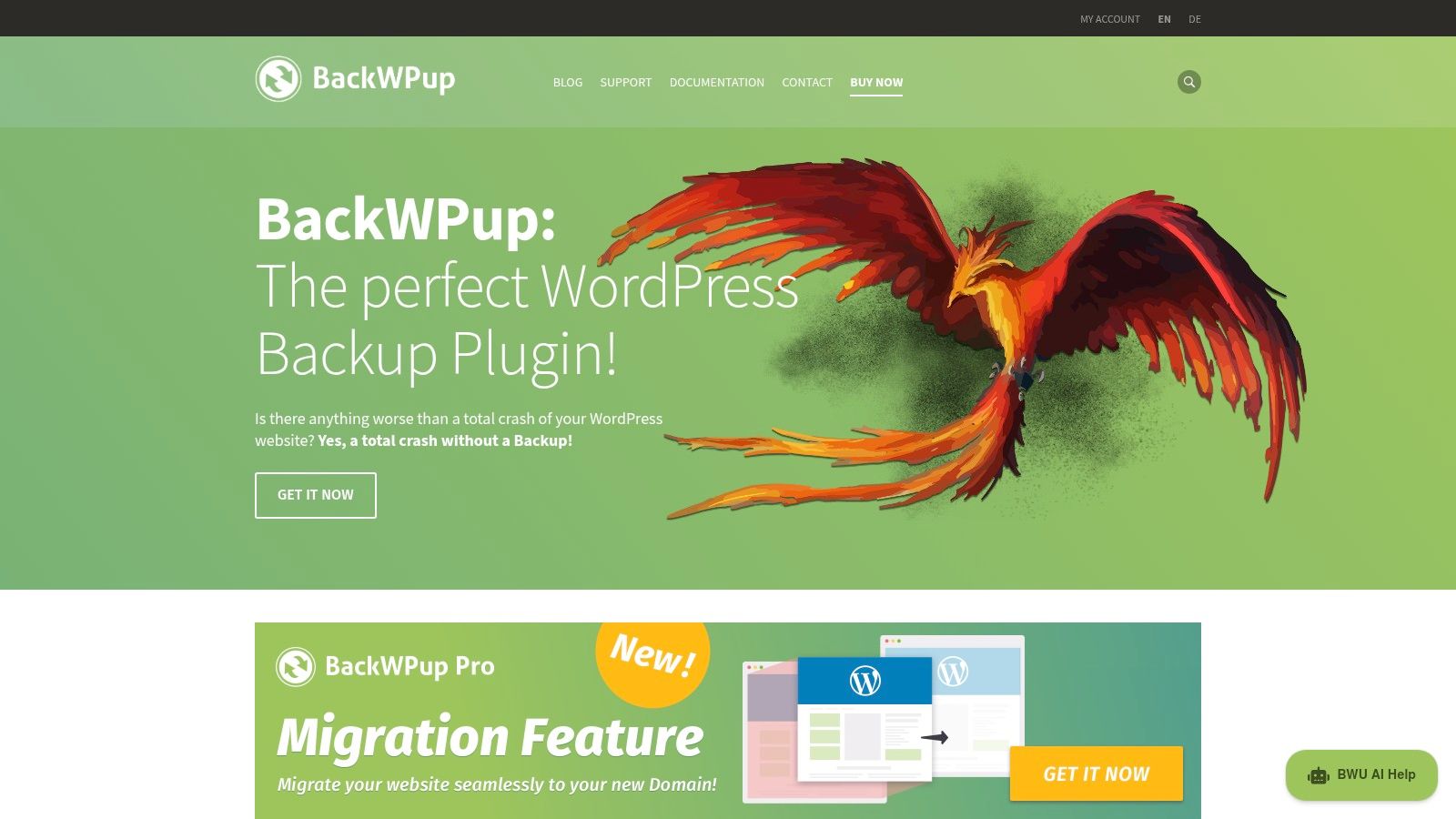
What makes BackWPup a contender for the best backup plugins for WordPress is its comprehensive control over backup jobs. You can create different schedules for your database and files, optimising server resources. The free version is quite capable, but the Pro version elevates it significantly by adding support for more destinations like OneDrive and Google Drive, offering backup encryption, and providing a standalone restore app for emergencies. While the interface isn’t the most modern, its logical structure is appreciated by those who value function over form and need granular control over their backup processes.
Key Details & Features
- Best For: Technically confident users and small businesses who require granular control over customised backup jobs and schedules.
- Standout Feature: The ability to create multiple, distinct backup jobs with different schedules and destinations in the free version.
- Pricing: A functional free version is available. BackWPup Pro starts from approximately €69 per year for one website.
- Website: https://backwpup.com
Pros:
- Mature and stable product with a long history of updates.
- Highly flexible job scheduler for customised backups.
- Supports a good range of remote storage locations.
Cons:
- The user interface can feel somewhat dated compared to newer plugins.
- Key features like easy restore and Google Drive support are locked behind the Pro version.
7. WPvivid Backup & Migration (Pro)
WPvivid has rapidly gained favour for its clean user interface and powerful all-in-one approach, combining backup, migration, and staging functionalities. It presents a compelling package, particularly for freelancers and small agencies who manage multiple client websites. The plugin simplifies complex tasks, making site cloning and moving between servers an exceptionally smooth process, often requiring just a single click. This focus on ease of use makes it an attractive alternative to more established but sometimes complex plugins.
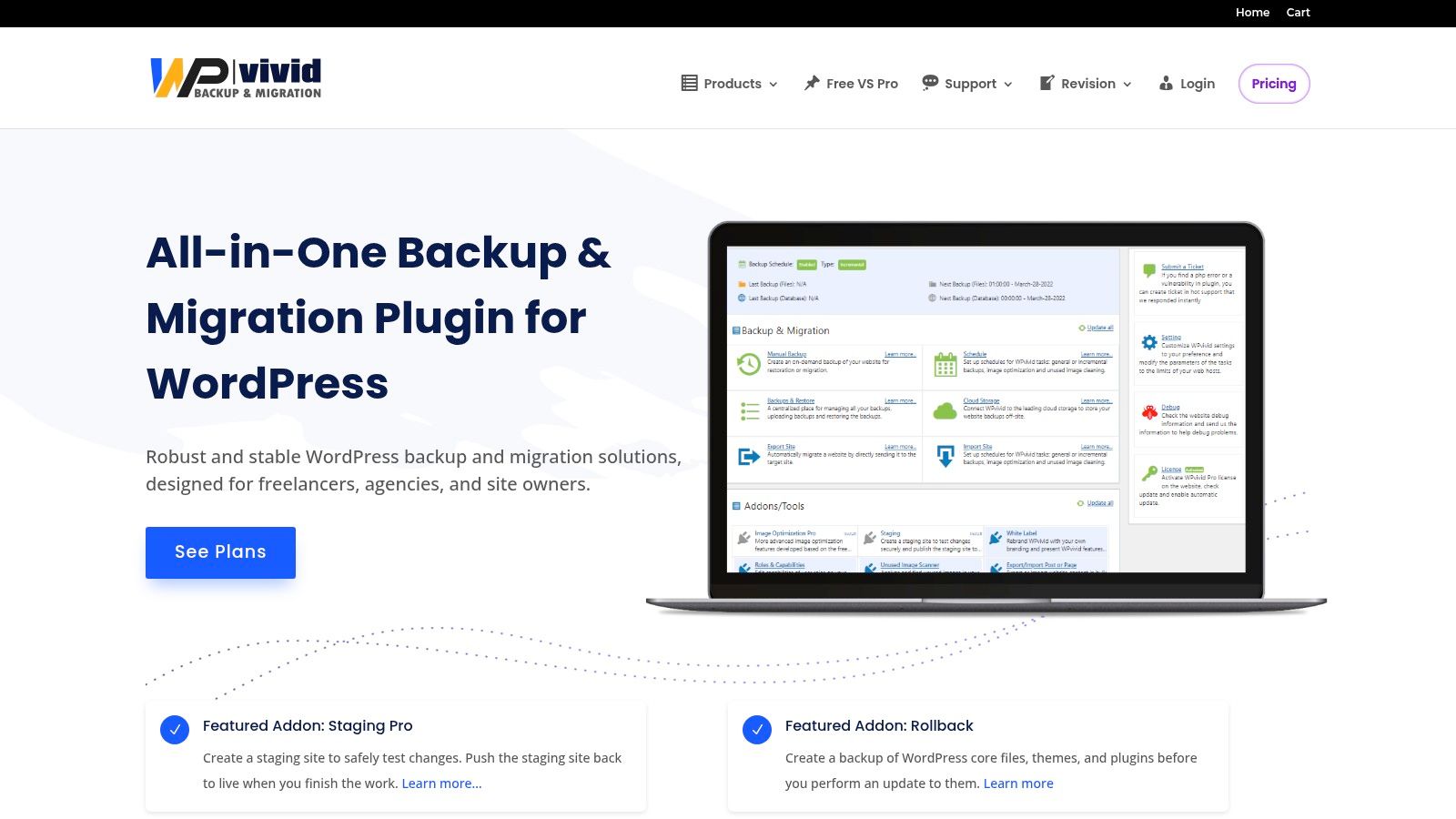
What solidifies WPvivid’s position as one of the best backup plugins for WordPress is the incredible value offered in its Pro version. It includes advanced features like staging site creation, multisite support, and even white-labelling, which are often expensive add-ons elsewhere. The free version is also highly functional for basic backup and migration needs. For businesses needing a robust, multi-functional tool without a hefty subscription, WPvivid’s competitive pricing and lifetime plan options are difficult to overlook, providing a comprehensive solution for site management.
Key Details & Features
- Best For: Freelancers, small agencies, and business owners looking for an affordable, all-in-one solution for backup, staging, and migration.
- Standout Feature: The seamless one-click site migration and staging environment creation, simplifying development workflows significantly.
- Pricing: A capable free version is available. Pro plans offer excellent value, with lifetime deals available from approximately $99.
- Website: https://wpvivid.com
Pros:
- Competitive pricing, especially the lifetime plans for multiple sites.
- Simple, intuitive user interface well-suited for common tasks.
- Strong and reliable migration and staging workflow.
Cons:
- A smaller plugin ecosystem compared to larger, more established competitors.
- Support response times and availability can vary depending on the plan purchased.
8. All-in-One WP Migration (Pro + Add-ons) by ServMask
Primarily known as one of the most reliable and user-friendly migration tools on the market, All-in-One WP Migration from ServMask evolves into a comprehensive backup solution with its premium extensions. While its core free plugin focuses on exporting your site into a single file for easy transfer, the paid add-ons unlock the automated, scheduled backup functionality that businesses require for ongoing protection. This makes it an excellent choice for those who frequently clone or move sites and want to use the same familiar tool for their regular backup strategy.

What makes All-in-One WP Migration a contender for the best backup plugins for WordPress is its simplicity and reliability, especially during the restore process. The drag-and-drop import feature is famously robust, bypassing common server timeouts and upload limits that plague other tools. With the premium extensions, you can schedule these backups to run automatically and send them to over 15 cloud storage providers, including Google Drive, Dropbox, and Amazon S3. Its WP-CLI support also appeals to more technical users who prefer managing tasks via the command line.
Key Details & Features
- Best For: Developers, agencies, and business owners who prioritise flawless migration and want to extend that same simple interface to their scheduled backup needs.
- Standout Feature: The exceptionally reliable drag-and-drop import function makes restoring a site from a backup file incredibly simple and less prone to errors.
- Pricing: The core migration plugin is free. Premium extensions for cloud storage start from around £78 per year.
- Website: https://servmask.com
Pros:
- Extremely reliable for migrating and restoring websites.
- Simple, intuitive interface with minimal configuration needed.
- Wide range of cloud storage destinations available via paid add-ons.
Cons:
- Core backup features like scheduling and cloud storage are premium-only.
- Subscription model is based on an annual site count.
9. ManageWP (Backup add-on)
ManageWP is not a traditional backup plugin but a powerful, centralised dashboard designed for managing multiple WordPress sites. This makes it a firm favourite among freelancers and agencies. While its primary function is site management, it includes a robust backup add-on that offers an impressive level of control and reliability. The platform provides free monthly backups for every site you connect, stored securely in the cloud, with options to upgrade for more frequent and powerful features.
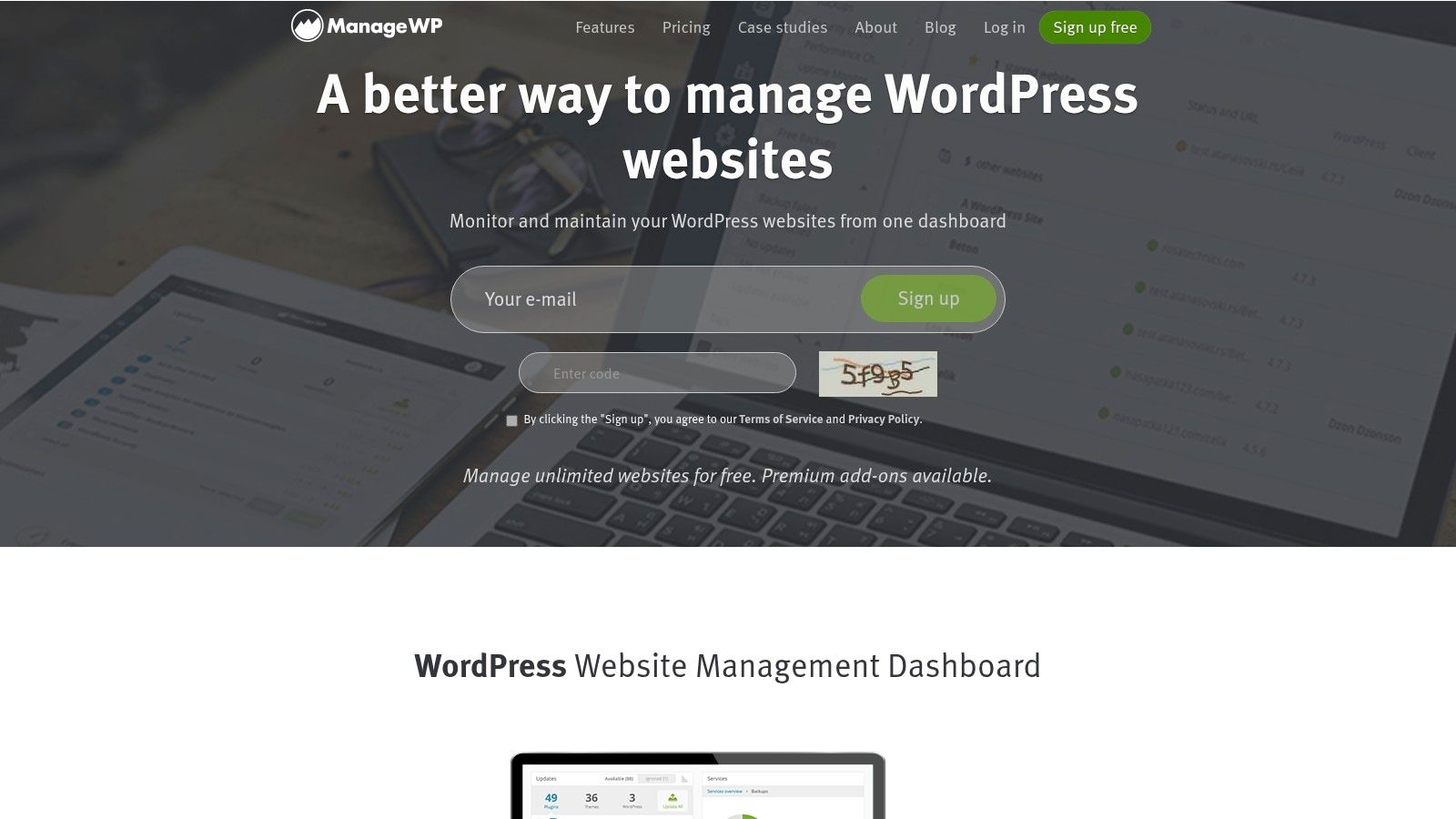
What sets ManageWP apart is its integration of backups into a broader site maintenance workflow. The premium backup add-on unlocks on-demand and scheduled incremental backups, ensuring minimal server load. This efficiency is critical when managing dozens of client sites. The one-click restore and cloning features are incredibly streamlined, saving valuable time during development or disaster recovery. Its pay-per-site model for premium features offers predictable costs that scale with your business, a significant advantage over many of the best backup plugins for WordPress that charge in large bundles.
Key Details & Features
- Best For: Freelancers, agencies, and businesses managing a portfolio of WordPress websites who need a unified dashboard.
- Standout Feature: The seamless integration of incremental backups, cloning, and site management tools in one centralised interface.
- Pricing: Free monthly backups are included. The Premium Backup add-on starts from around £1.60/month per site.
- Website: https://managewp.com
Pros:
- Excellent for managing multiple WordPress sites from one dashboard.
- Pay-per-site add-ons provide a predictable and scalable cost model.
- Incremental backups reduce server strain.
Cons:
- Core functionality relies on a central dashboard, not just a standalone plugin.
- Frequent backups and migration tools require the paid add-on.
10. Solid Backups (formerly BackupBuddy) by SolidWP
As one of the original premium backup solutions for WordPress, Solid Backups (formerly known as BackupBuddy) has a long-standing reputation for reliability. Now part of the broader SolidWP suite, it integrates seamlessly into a centralised dashboard for managing multiple sites, making it a strong contender for agencies and developers. Its focus is on providing a complete, straightforward backup and restore process without overwhelming users with excessive options, delivering a dependable safety net for your digital assets.
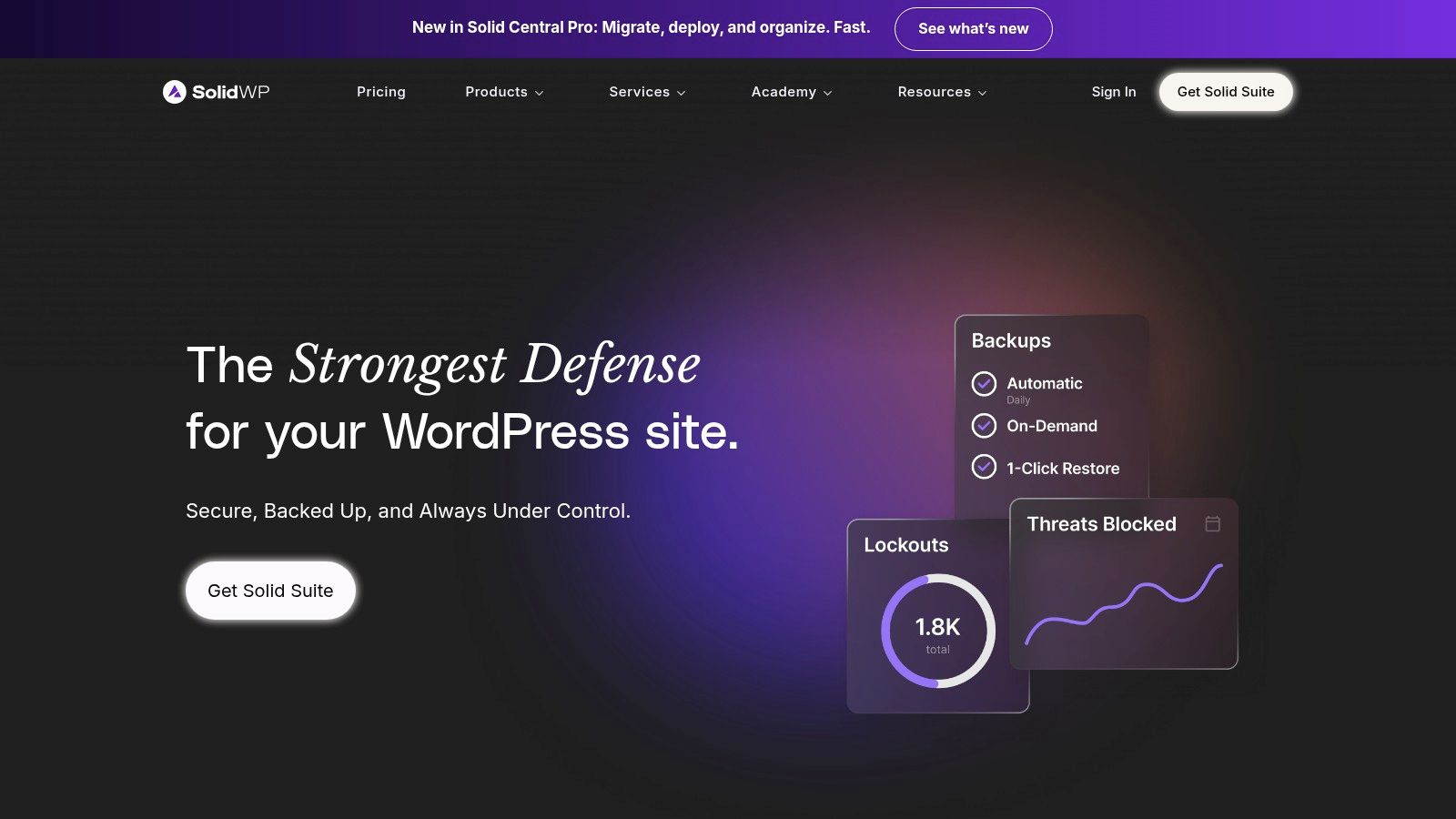
What makes Solid Backups one of the best backup plugins for WordPress is its tight integration with the Solid Central management platform. This allows you to orchestrate backups, updates, and restores across a portfolio of client sites from a single location. The plugin features daily incremental backups, which are resource-efficient and essential for maintaining good website performance best practices. It also includes its own integrated cloud storage, simplifying setup for those who don’t want to configure third-party services.
Key Details & Features
- Best For: Agencies, freelancers, and multi-site owners who want a centralised backup system integrated with other site management tools.
- Standout Feature: The Solid Central dashboard for remote management of backups, restores, and security across multiple WordPress installations.
- Pricing: No free version. Included in the Solid Suite, which starts from approximately £165 per year for two sites.
- Website: https://solidwp.com
Pros:
- Proven and reliable solution with a long history.
- Excellent for managing multiple websites from one dashboard.
- Straightforward scheduling and one-click restore functionality.
Cons:
- No free tier is available for basic use.
- Primarily sold as part of a larger, more expensive suite.
11. WordPress.org Plugin Directory – Backup category
While not a plugin itself, the official WordPress.org Plugin Directory is the most crucial starting point for finding a reliable backup solution. It is the safest and most transparent place to discover, compare, and install hundreds of free and freemium backup plugins. For small businesses, especially those just starting, this repository offers a secure way to evaluate options without immediate financial commitment, ensuring you choose from community-vetted tools.
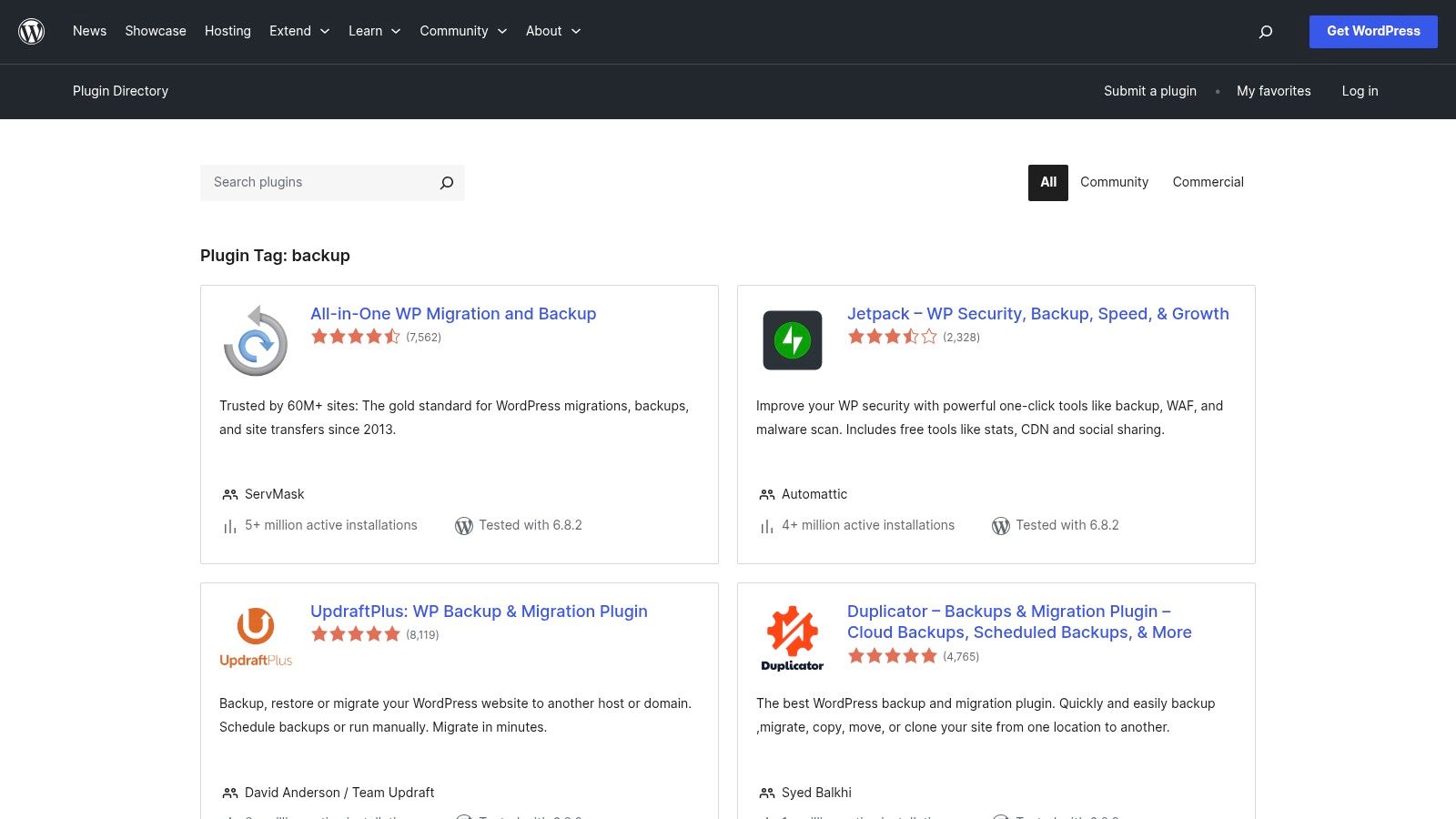
What makes the directory one of the best resources for backup plugins for WordPress is the wealth of transparent data it provides. You can see active installation counts, user ratings, support threads, and when a plugin was last updated. This information is vital for judging a plugin’s reliability, support level, and compatibility with the latest WordPress version. It empowers you to make an informed decision, avoiding abandoned or poorly maintained plugins that could pose a security risk to your website.
Key Details & Features
- Best For: Users who want to research and compare free backup plugins from the most trusted source before committing.
- Standout Feature: Transparent user reviews, active installation numbers, and last updated information provide a clear picture of a plugin’s health and popularity.
- Pricing: Free to access and browse; plugins listed are either free or offer a free version.
- Website: https://wordpress.org/plugins/tags/backup/
Pros:
- The safest and most trusted source for free WordPress plugins.
- Transparent metrics help evaluate plugin quality and maintenance.
- Direct and secure installation from the WordPress dashboard.
Cons:
- Plugin quality varies significantly; requires careful vetting by the user.
- Can be overwhelming due to the sheer number of options available.
12. Tech Marketplaces for Premium Backup Plugins (Envato ecosystem)
For those looking beyond subscription models, tech marketplaces like CodeCanyon (part of the Envato ecosystem) offer a different approach to acquiring powerful backup tools. Instead of paying a recurring fee, you can purchase a premium plugin with a one-time licence. This is an excellent option for businesses on a tight budget who need specific, advanced features not found in free plugins but want to avoid another annual subscription. These platforms host a vast array of plugins from independent developers worldwide.
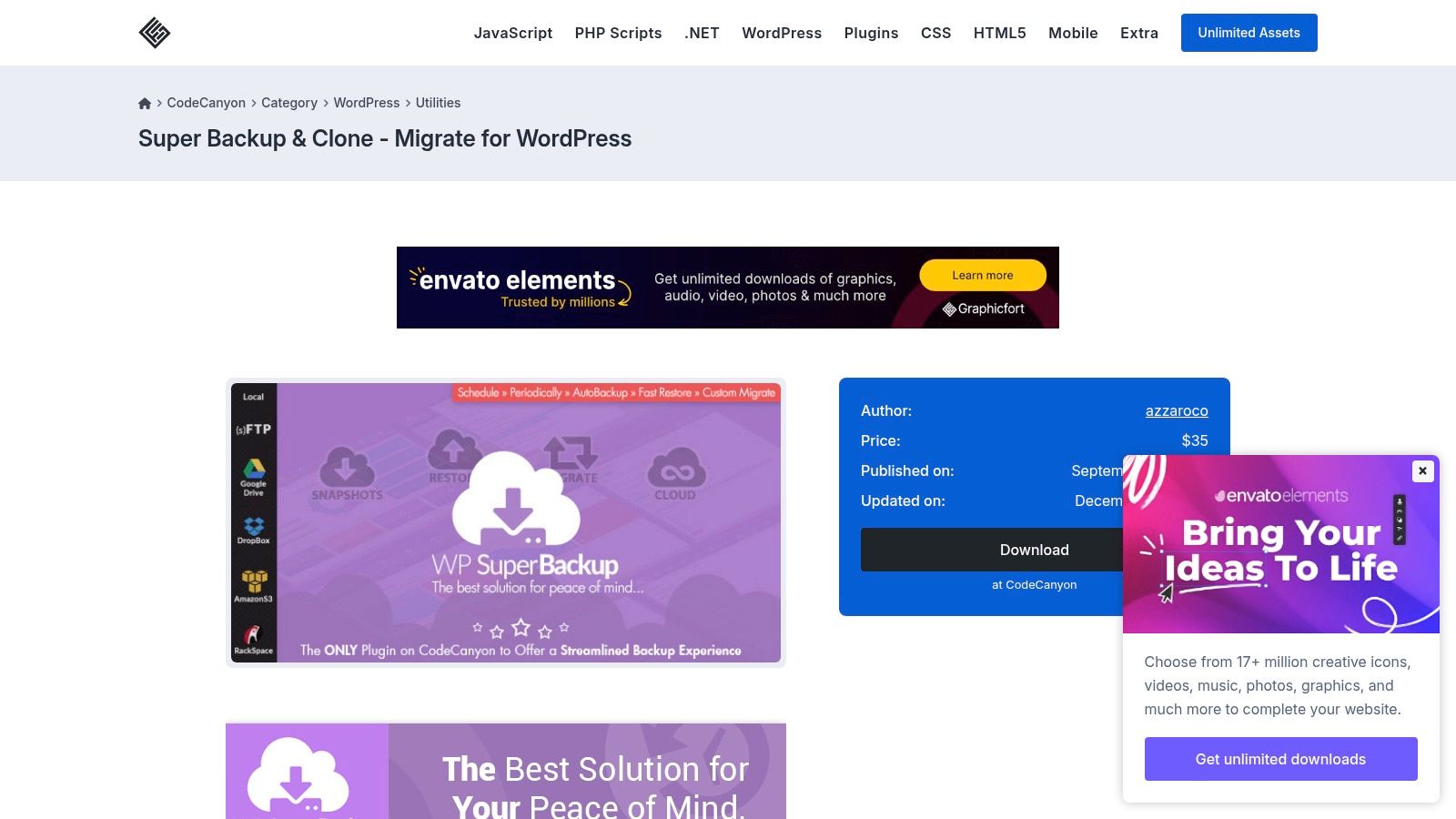
What makes this route one of the best for finding backup plugins for WordPress is the sheer variety and competitive pricing. You can find niche tools tailored for specific needs, such as multi-site network backups or unique cloud integrations. However, this model requires diligence. The quality, long-term support, and update frequency vary significantly between developers. It is crucial to check a plugin’s sales history, user reviews, and last update date before purchasing to ensure you are getting a reliable and actively maintained product. The Envato Market plugin can help streamline the update process for purchased items.
Key Details & Features
- Best For: Technically confident users and small businesses looking for a specific feature set on a fixed budget, who are willing to research sellers.
- Standout Feature: The one-time purchase model provides lifetime access to a premium plugin for a single payment, offering great value if you choose a well-supported product.
- Pricing: Varies by plugin, but typically involves a one-time fee (e.g., £20-£60) which includes a set period of developer support (usually 6-12 months).
- Website: https://codecanyon.net/category/wordpress/utilities/backup
Pros:
- Highly competitive pricing with a one-time payment structure.
- Broad catalogue of niche and specialised backup tools.
- Potential to find unique features not offered by major brands.
Cons:
- Quality and long-term support can vary widely by seller.
- Requires careful vetting of reviews, update frequency, and support policies.
Top 12 WordPress Backup Plugins Comparison
| Service / Plugin | Core Features | User Experience / Quality | Value Proposition | Target Audience | Price Points |
|---|---|---|---|---|---|
| GFC Tech WordPress Maintenance | Updates, security audits, backups, CMS optim | Personalized, hands-on, local expertise | Ethical, sustainable, client-first | Small Surrey-based businesses | From £1,000+ projects, £200–300/hr |
| UpdraftPlus | Scheduled backups, multi-cloud storage, restore | Large install base, strong docs & support | Free core; premium for advanced | General WP users needing backups | Free + Premium versions |
| Jetpack VaultPress Backup | Real-time backups, unlimited restores, malware scan | Simple setup, reliable infra | Integrated security suite | WP.com users, WooCommerce sites | Subscription; ongoing fees |
| BlogVault | Hourly backups, staging, migration, uptime monitoring | Agency dashboard; reliable for complex sites | Backup + security combo | Large sites, agencies | Subscription; higher cost |
| Duplicator Pro | Site packaging, scheduled backups, cloud storage | Excellent migration tool | Strong migration & cloning | Intermediate to advanced users | Paid Pro license |
| BackWPup (Pro) | Full backups, one-click restore, multisite | Mature, flexible but dated UI | Flexible destinations, scheduling | General WP users | Free + Pro paid version |
| WPvivid Backup & Migration (Pro) | Scheduled backups, staging, white-labeling | Simple UI, strong migration | Competitive pricing for multiple sites | Freelancers, small agencies | Freemium + Pro plans |
| All-in-One WP Migration (Pro + Add-ons) | Automated backups, cloud integration, WP-CLI | Reliable migration, wide cloud support | Scalability; numerous add-ons | Multi-site admins, developers | Subscription; site count licensed |
| ManageWP (Backup add-on) | Incremental backups, cloning, off-site storage | Centralized dashboard, predictably priced | Manage multiple sites easily | Freelancers and agencies | Free basic + paid add-ons |
| Solid Backups (SolidWP) | Incremental daily backups, centralized management | Proven, straightforward restore | Integrated suite option | Users of SolidWP ecosystem | No free tier; suite pricing |
| WP.org Plugin Directory (Backup cat) | Verified plugins, download & rating info | Transparent, user-vetted | Trusted source for free plugins | All WP users | Free plugins |
| Envato Marketplaces (Premium Plugins) | One-time licenses, cloud integration, updates | Varied quality, requires user diligence | Wide choice, niche solutions | Users seeking specialized plugins | One-time purchase |
Making the Final Decision: Choosing Your WordPress Backup Safeguard
Selecting the right tool from our extensive list of the best backup plugins for WordPress can feel daunting, but it’s a critical decision for protecting your business’s most valuable digital asset. We’ve explored a wide array of solutions, from the comprehensive, set-and-forget simplicity of UpdraftPlus and Jetpack VaultPress Backup to the developer-focused power of Duplicator Pro and the real-time, high-performance protection offered by BlogVault.
Your ideal choice hinges on a clear understanding of your specific needs. A local service provider in Surrey with a straightforward brochure website may find the free version of UpdraftPlus perfectly adequate. In contrast, a growing e-commerce store with constant order updates will benefit enormously from the real-time, incremental backups provided by a premium service like BlogVault or Solid Backups to minimise data loss.
Key Takeaways for Your Business
Before making your final choice, reflect on these crucial points:
- Automation is Non-Negotiable: Manual backups are unreliable. Whichever plugin you choose, ensure you configure an automatic, recurring schedule. For most small businesses, a daily backup is a sensible starting point.
- Off-site Storage is Essential: A backup stored on the same server as your website is not a true backup. Always configure your plugin to send copies to a secure, third-party location like Google Drive, Dropbox, or Amazon S3.
- Test Your Restores: A backup is only as good as its ability to restore your site. Periodically, perhaps quarterly, test the restoration process on a staging site to ensure everything works as expected. This practice prevents nasty surprises when you need it most.
- Consider Your Budget vs. Risk: While free plugins offer fantastic value, premium solutions often include vital features like malware scanning, staging environments, and priority support. Weigh the modest monthly cost against the potential financial and reputational damage of a catastrophic site failure.
Frequently Asked Questions (FAQs)
1. How often should I back up my WordPress site?
For most small business websites, a daily backup is recommended. If your site is highly dynamic, such as an e-commerce shop or a busy blog, consider a solution that offers more frequent or even real-time backups.
2. What’s the difference between a database backup and a full site backup?
A database backup saves your posts, pages, user comments, and plugin settings. A full site backup includes the database plus all your files: themes, plugins, images, and WordPress core files. You should always perform full site backups.
3. Are my web host’s backups enough?
While helpful, relying solely on your host’s backups is risky. They may not be as frequent as you need, restoration can be slow and cumbersome, and you lose control if you ever decide to switch hosting providers. A dedicated plugin gives you ownership and flexibility.
4. Where is the safest place to store my backups?
The safest approach is the “3-2-1 rule”: keep three copies of your data, on two different types of media, with at least one copy stored off-site. Your plugin should send backups to a secure cloud location like Google Drive, Dropbox, or a dedicated service like Amazon S3.
5. Can a backup plugin slow down my website?
Most modern, well-coded backup plugins are designed to be resource-efficient, often running during low-traffic periods. Premium plugins that use incremental backup technology are particularly good at minimising any performance impact on your live site.
Ultimately, the best backup plugin for your WordPress site is the one you install, configure correctly, and trust to work when disaster strikes. Taking this step today provides invaluable peace of mind, securing your hard work and ensuring your business remains resilient in the face of the unexpected.
Feeling overwhelmed by the technical side of WordPress? GFC Tech specialises in comprehensive WordPress maintenance and support for small businesses across Surrey and the South East, taking the worry of backups, security, and updates off your plate. Let us manage the technology so you can focus on running your business by visiting us at GFC Tech today.
Adam is a Founder of GFC Tech, a company dealing in SEO and website design and development services. Adam has been an SEO expert for the past 8 years and has been working with different companies in this field. He is an SEO consultant and a marketing strategist and works closely with his clients to ensure that his marketing plans and strategies provide them with the marketing advantages they need to grow their business. Adam’s main role is an SEO consultant, but he is also involved in all technical aspects. Adam also develops WordPress websites, designs them professionally and performs SEO for them so they can rank on the first page of google.


